More than one family, signing out, leaving, and deleting. Each one is at the bottom of the Family tab.
More than one family
You can belong to more than one family, with a different role in each, like an adult in your own family and a kid in a grandparent’s. Families, in the Family tab, lists each one. Tap a family to switch to it; the app shows one at a time. Join or start another family adds one.
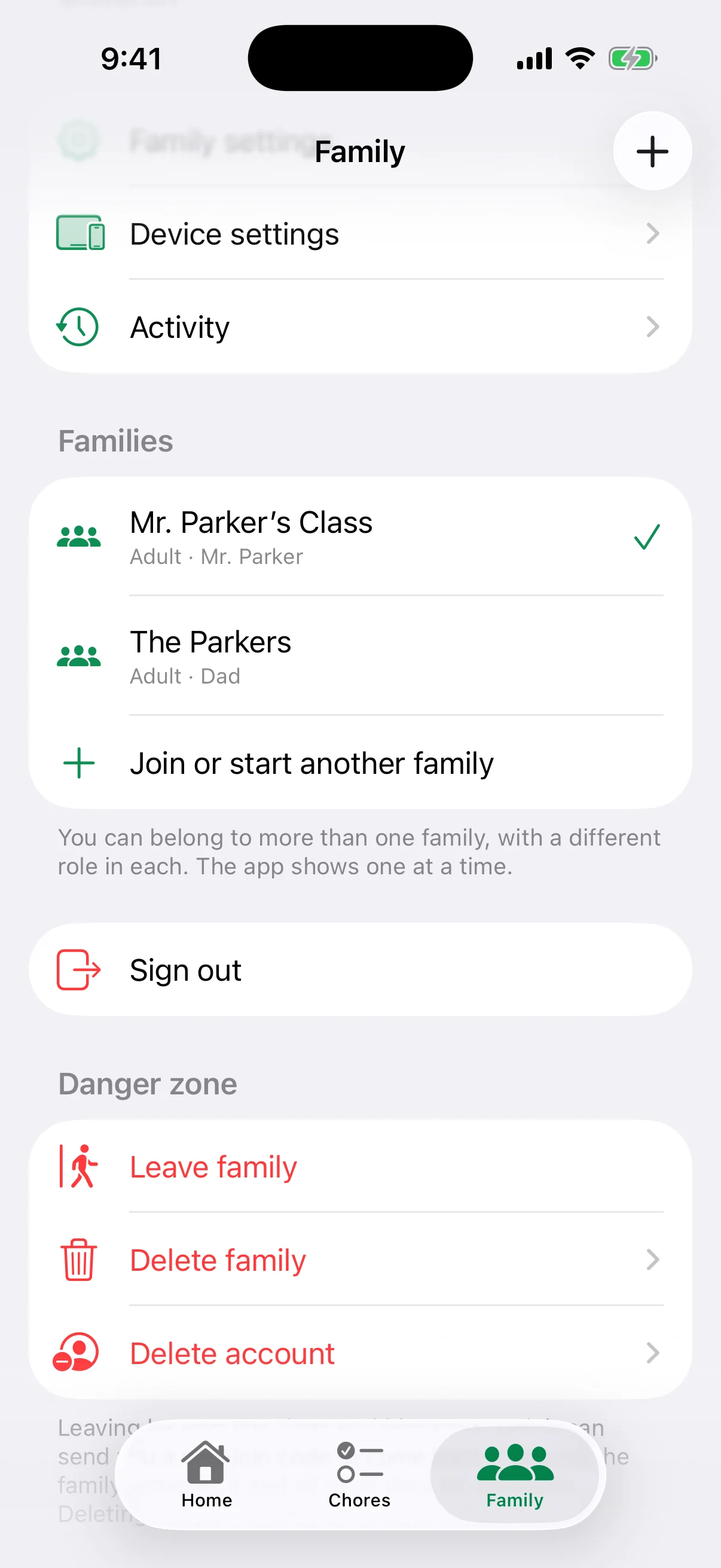
Sign out
Sign out signs you out on this device only. On a shared device it’s Remove me from this device. To come back, sign in with Apple, or ask an adult to add you to the device again.
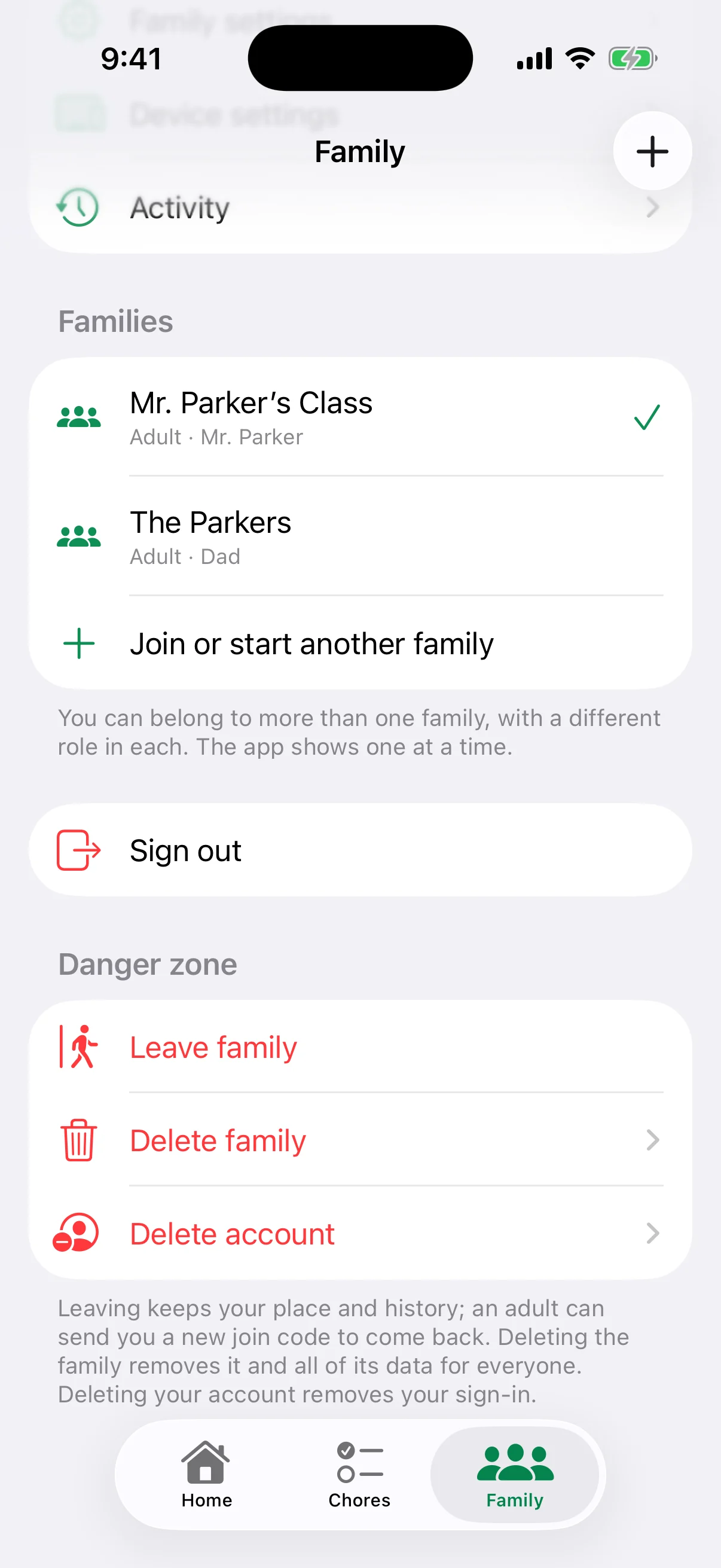
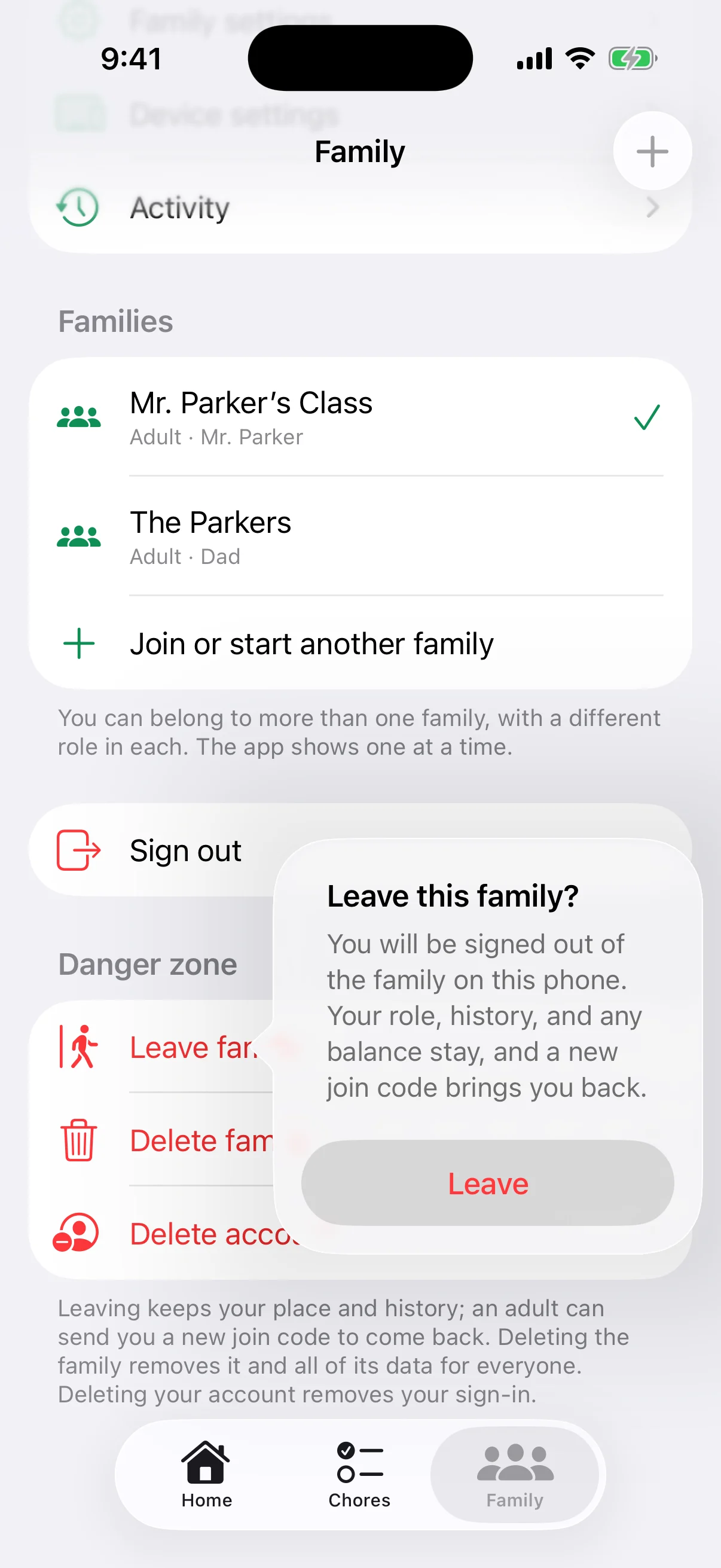
Leave a family
Adults can leave from Family → Leave family. Your role, history, and any balance stay, and a new join code from another adult brings you back.
- If you’re the only adult and others have joined, add another adult first, or delete the family.
- If you’re the only adult and nobody else has joined, leaving deletes the family.
Kids can’t leave on their own. An adult can archive them instead.
Delete a family
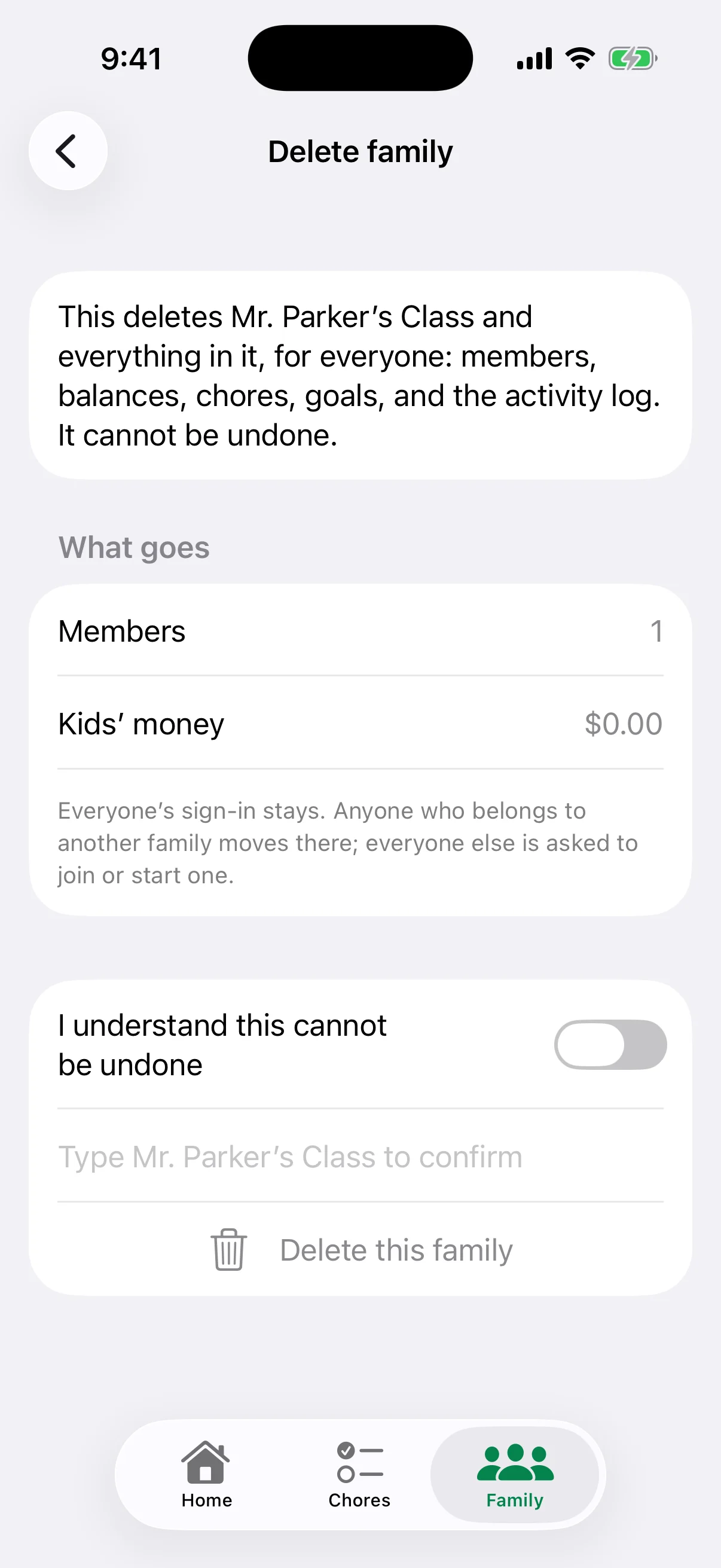
Family → Delete family removes the family and everything in it, for everyone: members, balances, chores, goals, and the activity log. It cannot be undone. Only the family’s last adult can delete it, after typing the family’s name to confirm.
Everyone keeps their sign-in. Anyone in another family moves there, and everyone else can join or start one.
Delete your account
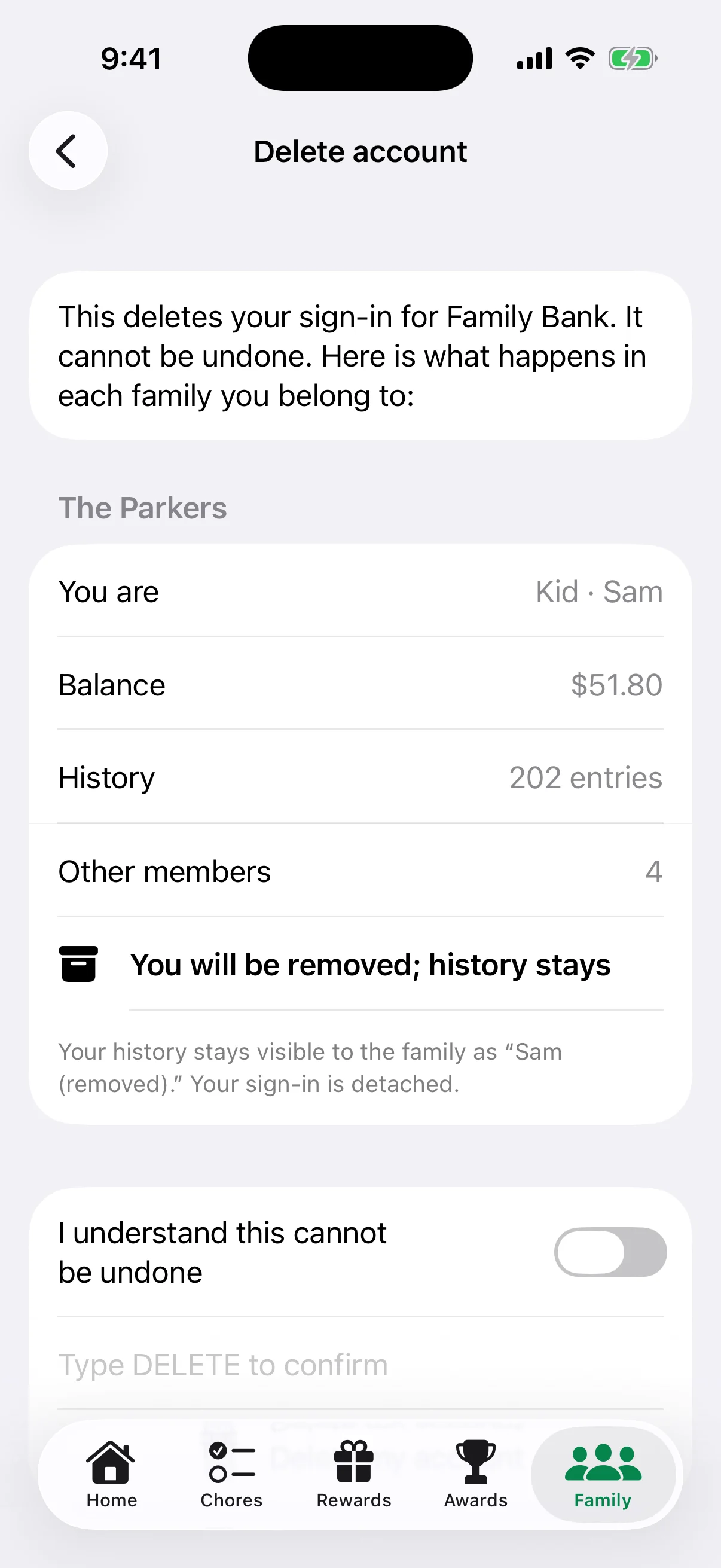
Family → Delete account removes your sign-in for Family Bank. Before you confirm, it shows what happens in each of your families: one you’re the only member of is deleted, and in others you’re removed but your history stays. If you’re the only adult in a family with others, it asks you to add an adult or delete that family first. It cannot be undone.
Your privacy
Family Bank keeps only what it needs to run your family bank. Only the people in your family can see its balances, chores, and history. The privacy policy has the details.