Kids get their own bank.
- Check their balance any time.
- Log chores and earn money.
- Set a savings goal and celebrate progress.
- Earn medals for completing chores and saving money.
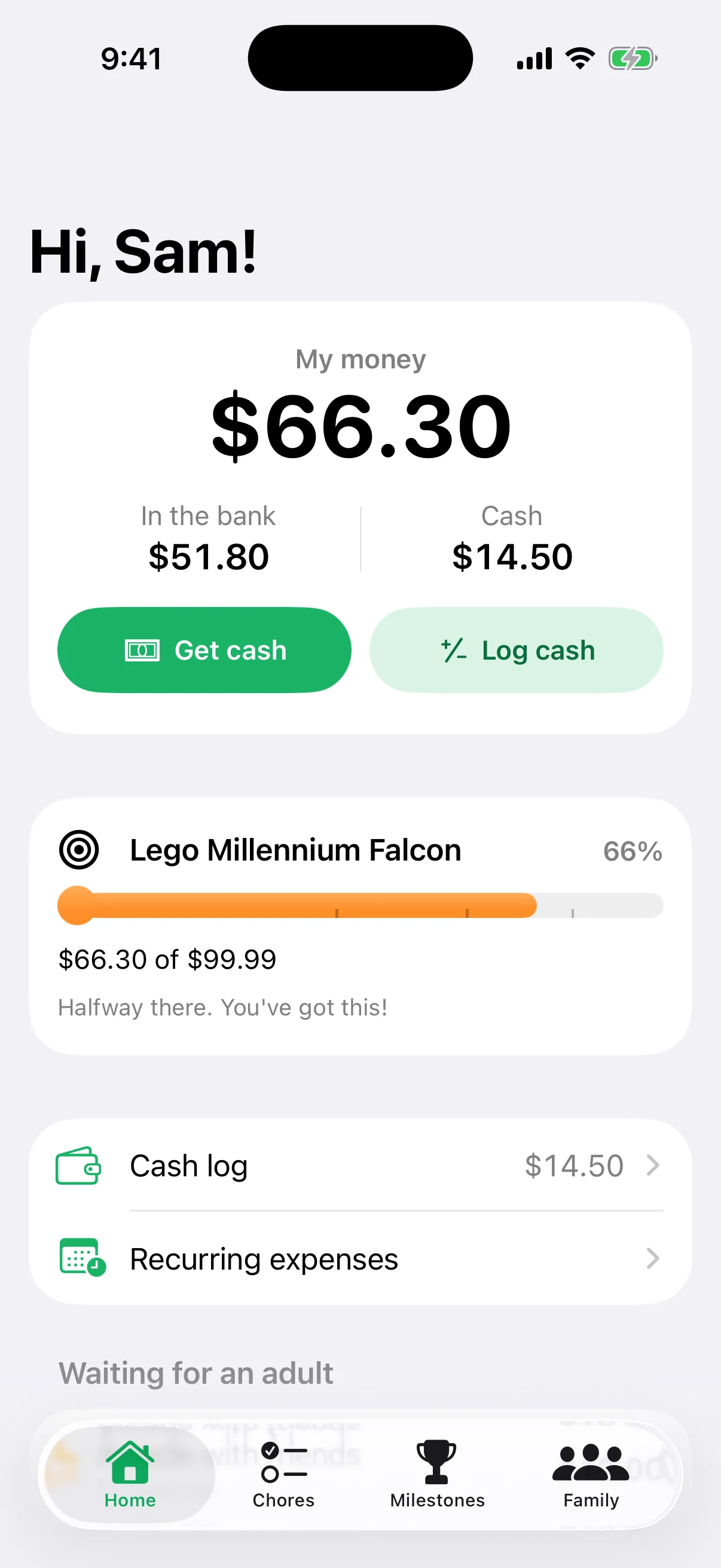

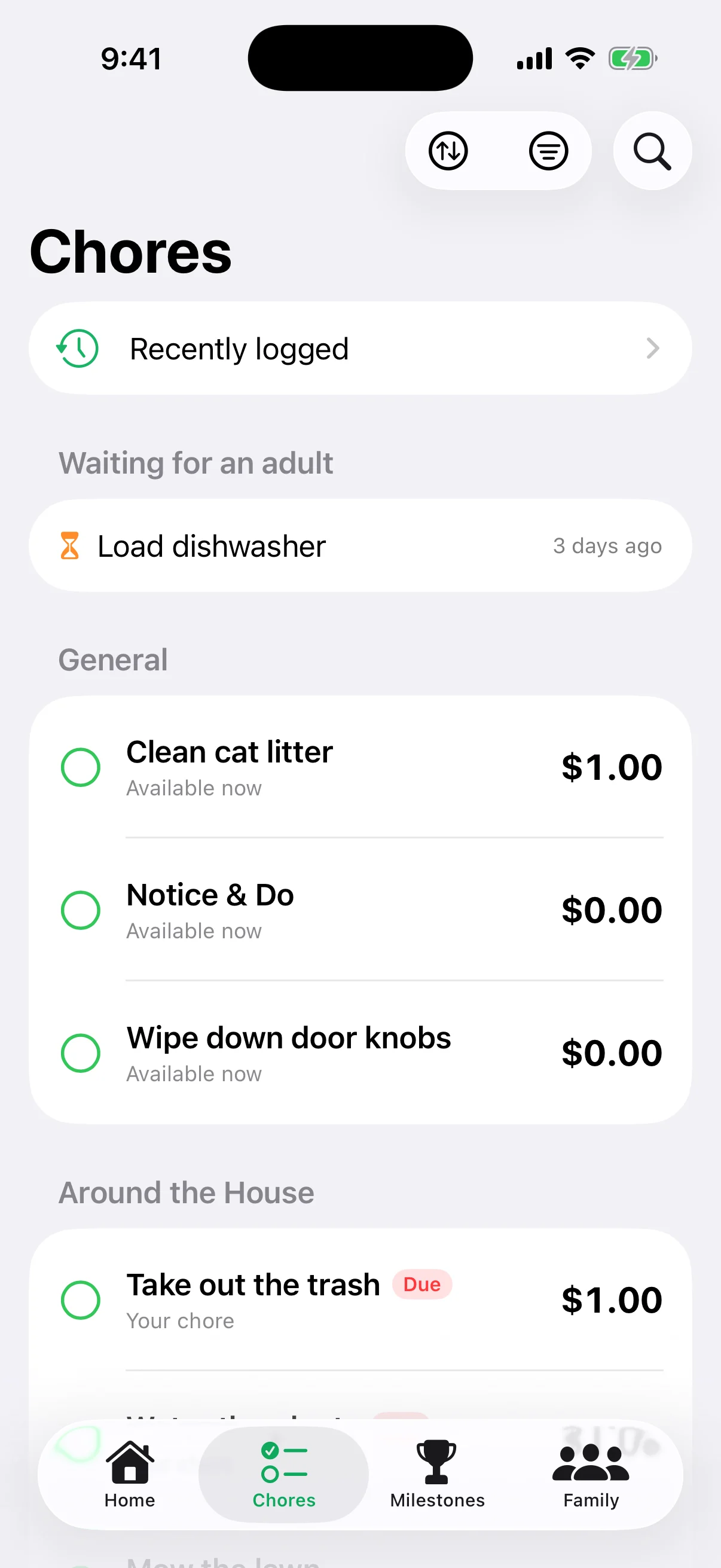
Family Bank gives every kid a real balance to watch, chores that pay, and goals worth saving for, while adults approve every dollar that moves.
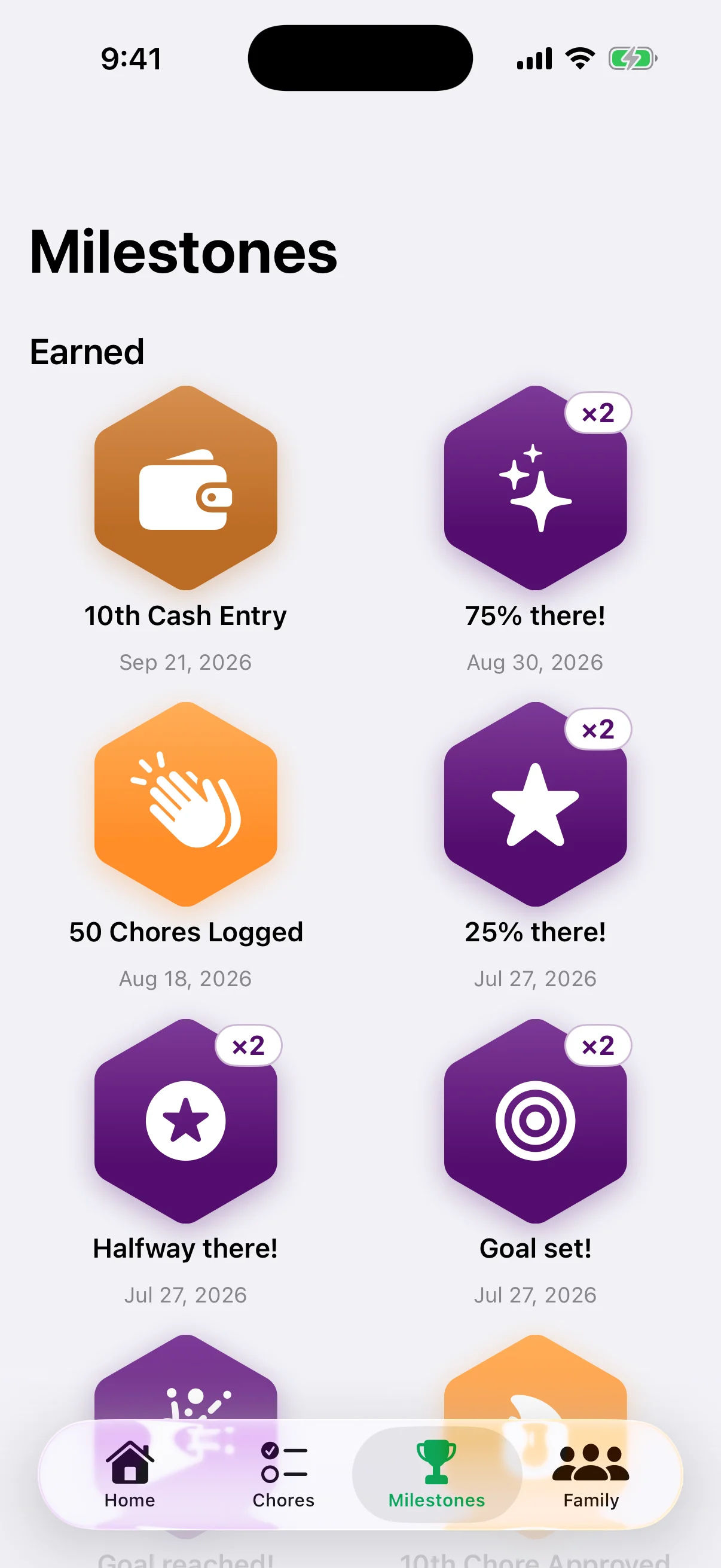
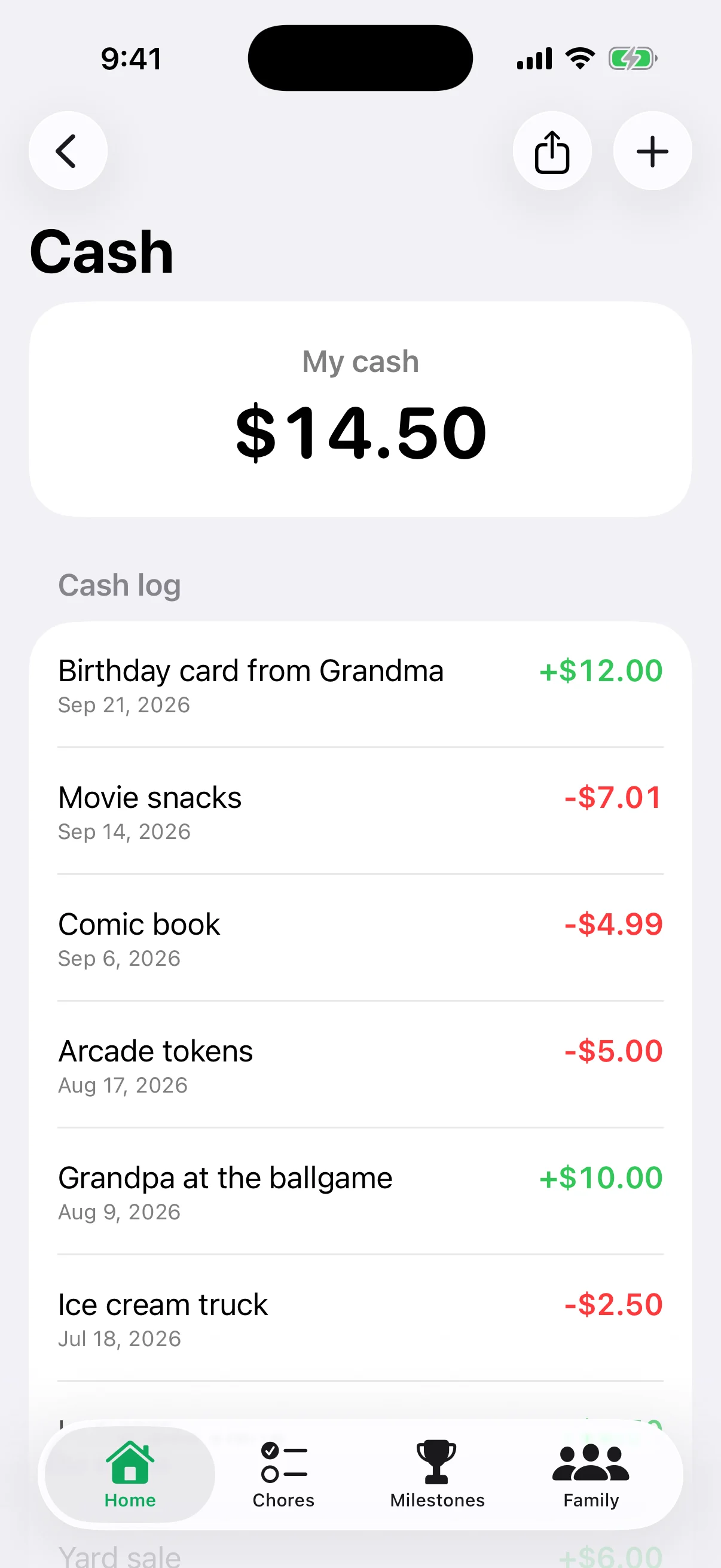
Great until one falls behind the fridge. Or a kid adds their own tally.
| A | B | C | D | |
|---|---|---|---|---|
| 1 | Date | Kid | For | $ |
| 2 | 2/14 | Sam | Mowed lawn | +10.00 |
| 3 | 2/16 | Alex | Book fair | −8.00 |
| 4 | 2/21 | Riley | Dishes x3 | +3.00 |
| 5 | 2/22 | Alex | Birthday $ | +20.00 |
| 6 | 2/25 | Riley | Tooth fairy | +2.00 |
| 7 | 2/28 | Sam | Owes Alex? | −4.00 |
| 8 | 3/02 | Sam | Movie?? | −5.00 |
| 9 | 3/08 | Riley | Candy (didn't ask) | −1.50 |
| 10 | 3/?? | Sam | Lawn (paid?) | 10? |
| 11 | 3/?? | Alex | ??? | #REF! |
Last updated… sometime in March. Probably.
The answer's in there somewhere. Keep scrolling.
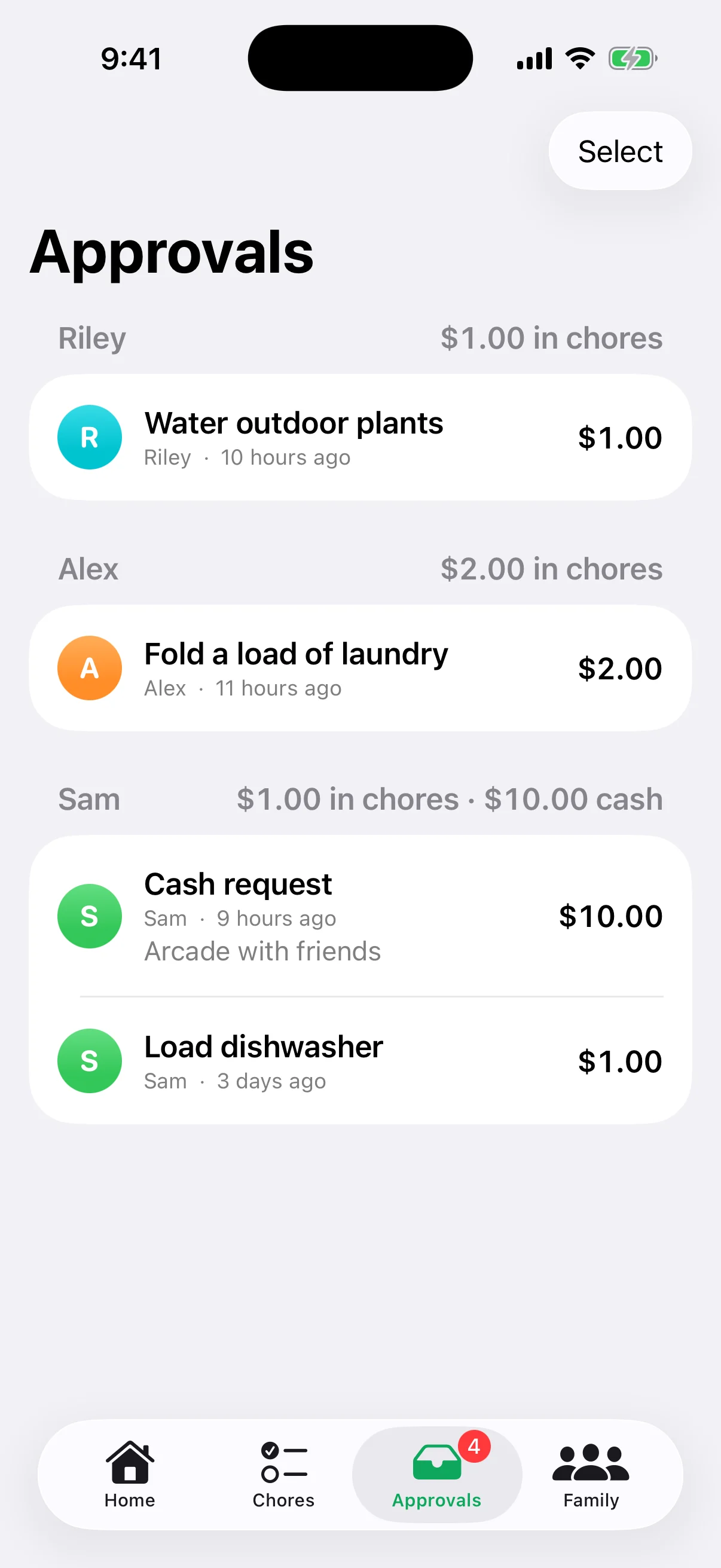
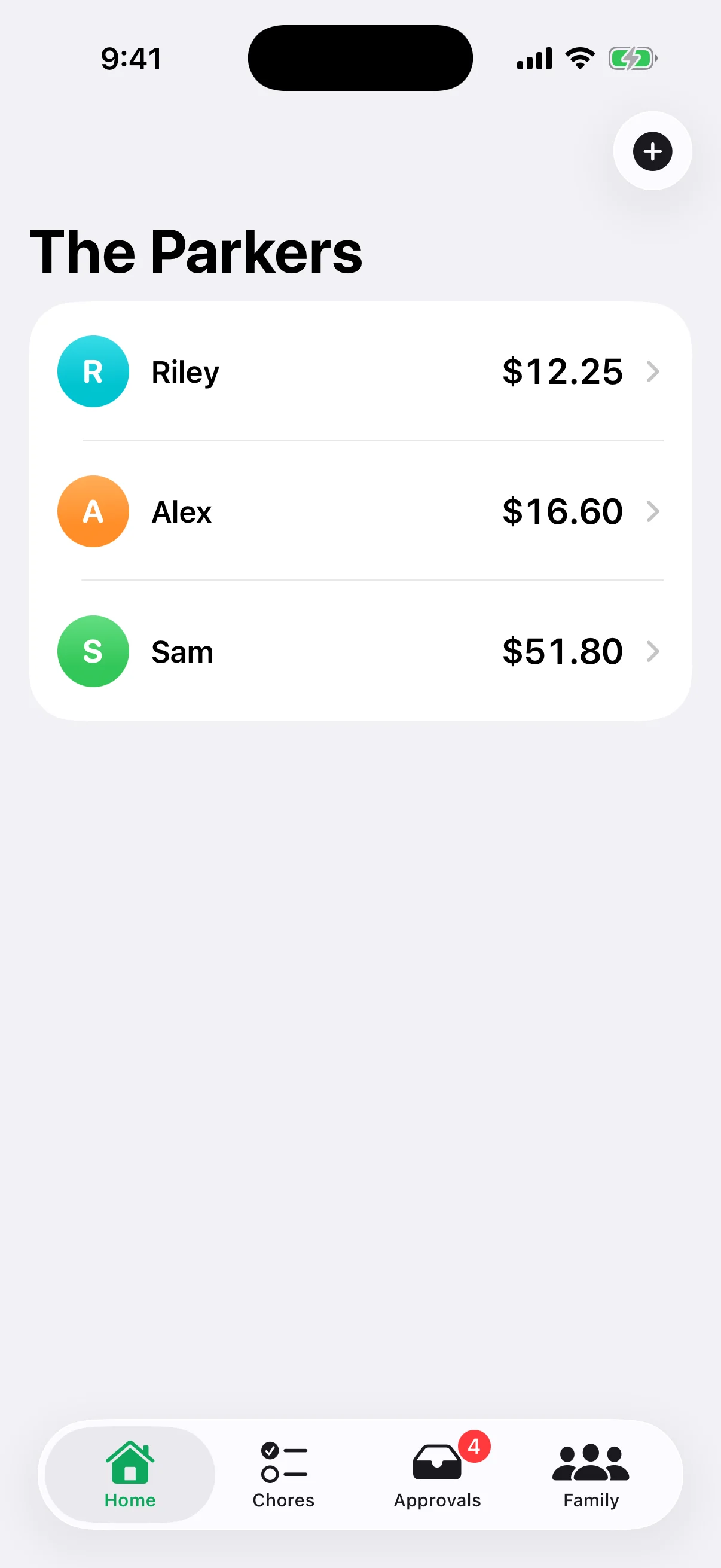
Family Bank keeps everything straight. Every chore, dollar, and goal in one place, with a log of every change. Kids know where they stand. Adults see the whole picture.
Real understanding comes from earning it, watching it grow, and deciding what it’s for.
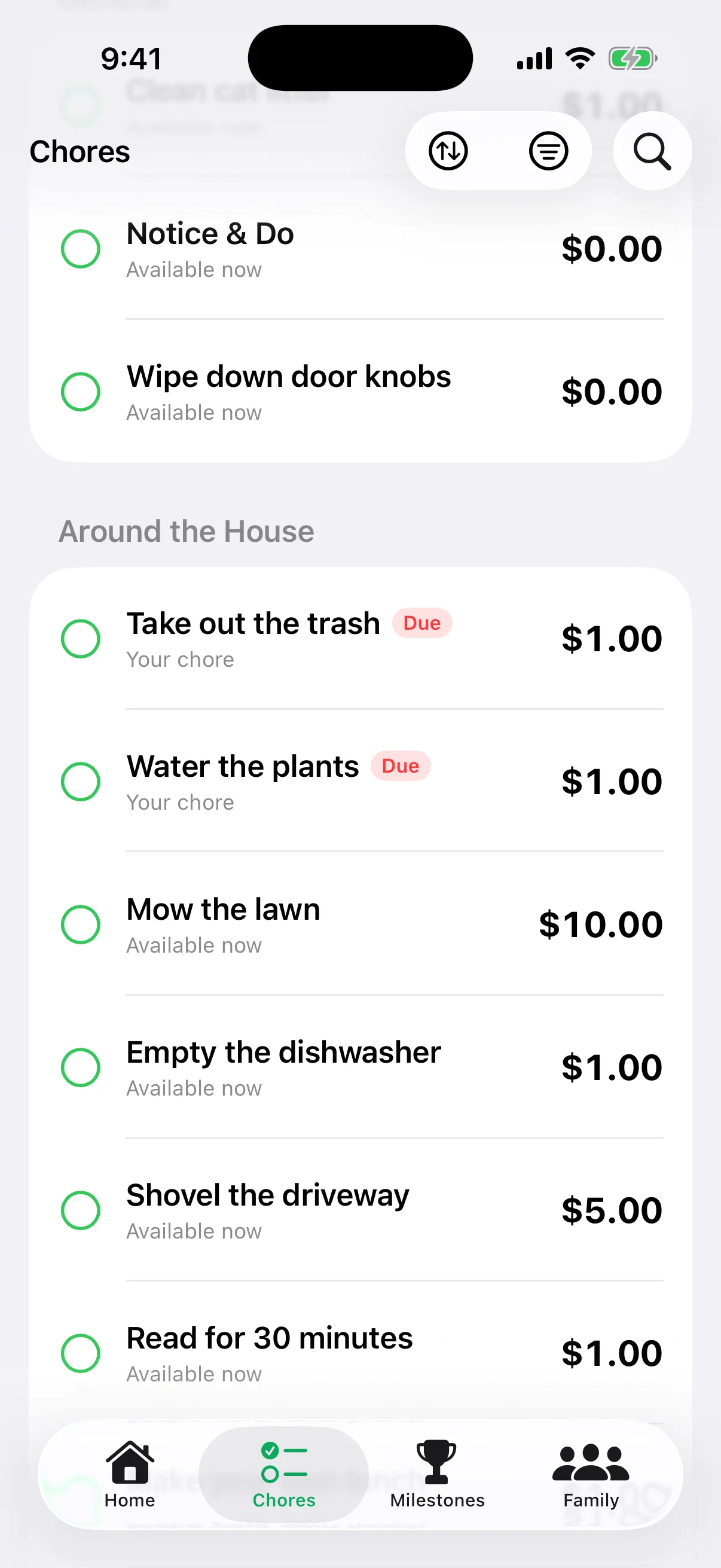
Pick chores from a ready-made library, give each one a value, and assign it to one child or open it to anyone. Kids log what they did; you approve it, and the money lands in their balance.
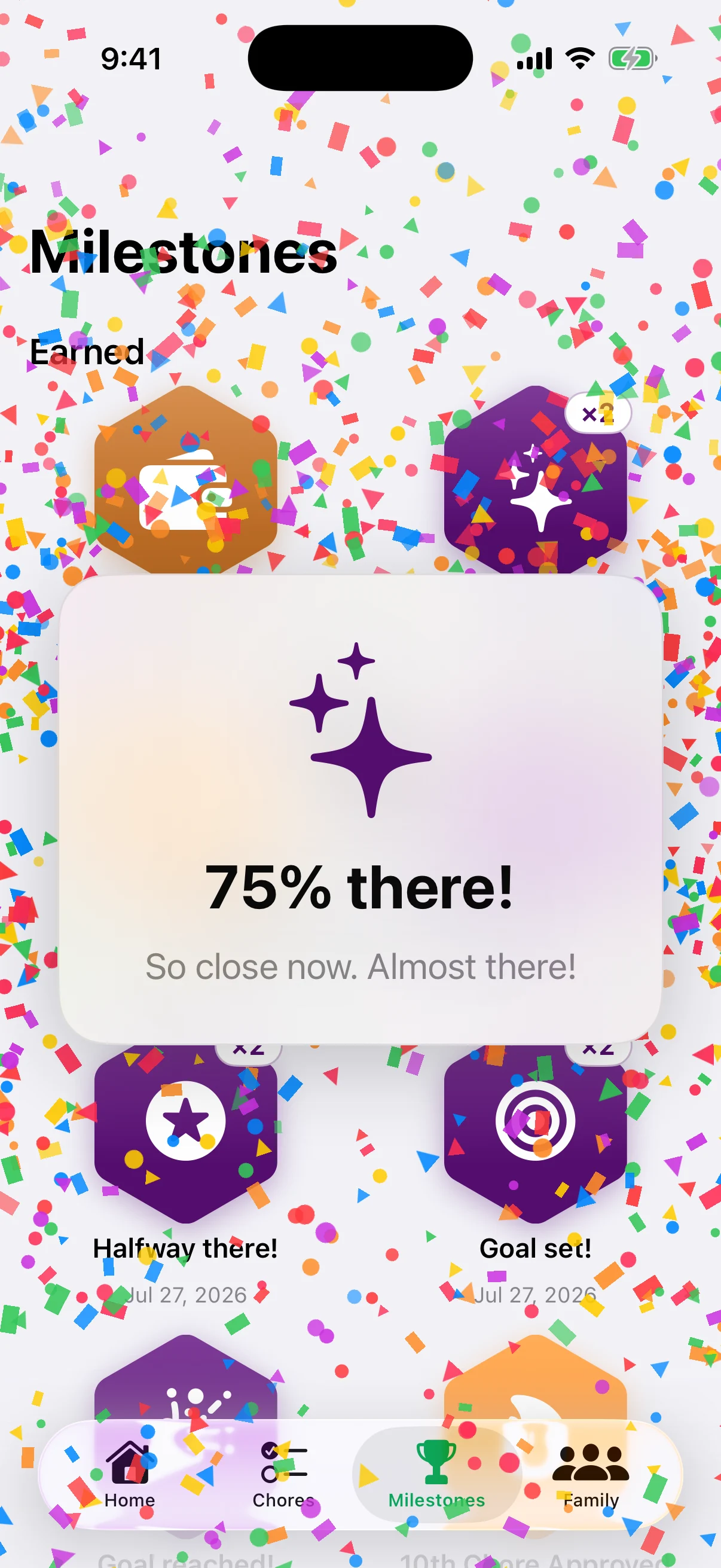
Kids name the thing they want and watch the bar fill as they save. Every quarter of the way gets its own moment, so the long wait feels like progress.
First chore, first $50, a goal reached: every milestone earns a medal and a burst of confetti. Locked medals show exactly how close the next one is.
Kids see what's in the bank and what's in their pocket, side by side. When they want cash, they ask; you approve it, and both balances stay right.
I build software for a living, which is exactly why I don't trust most of it: too much of it quietly collects more than it needs. So I built Family Bank for my own family first, and every decision about your data is one I had to be comfortable with for my own kids.
It's boring on purpose: no tracking, no ads, no email list, and nobody poking around in your data. It keeps what it needs to work and nothing else.
 — Brian, the developer
There's no analytics or telemetry code in the app. Nothing reports how you use it.
Sign in with Apple, then tell us what the family calls you, like “Mom” or “Dad.” No email, no full name on file, no new password.
No ads, no data brokers, and no one reviewing your family's information. Ever.
Only the people in your family can see its balances, chores, and history.

No fees. No lines. Overdrafts only if you allow them. Set up your family in a minute, then invite the kids.
Coming soon to the App Store