Set the rules once: the chores that pay, the rewards points buy, monthly charges, and your family’s settings. You can change any of them later.
Chores
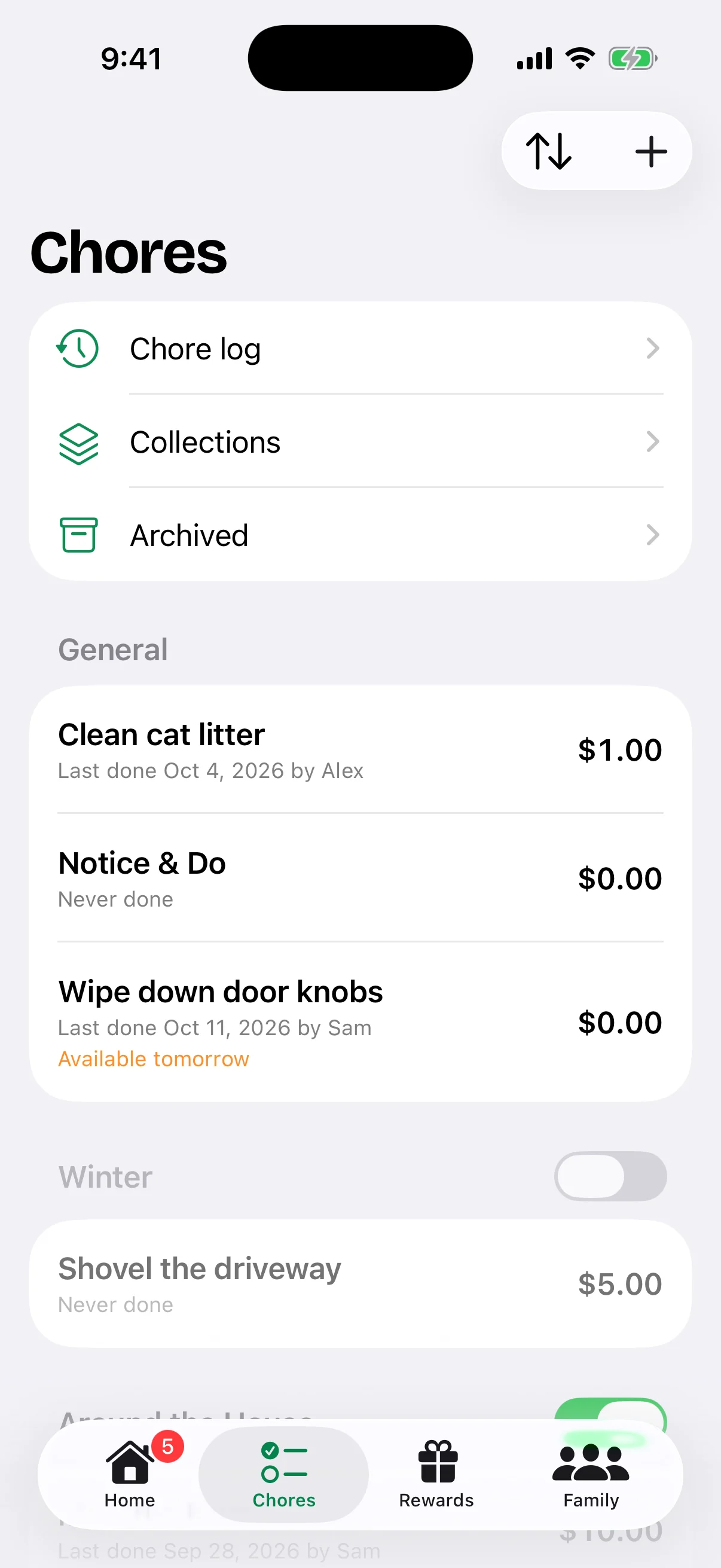
In the Chores tab, tap + and choose New chore, or Add from library to pick from common chores.
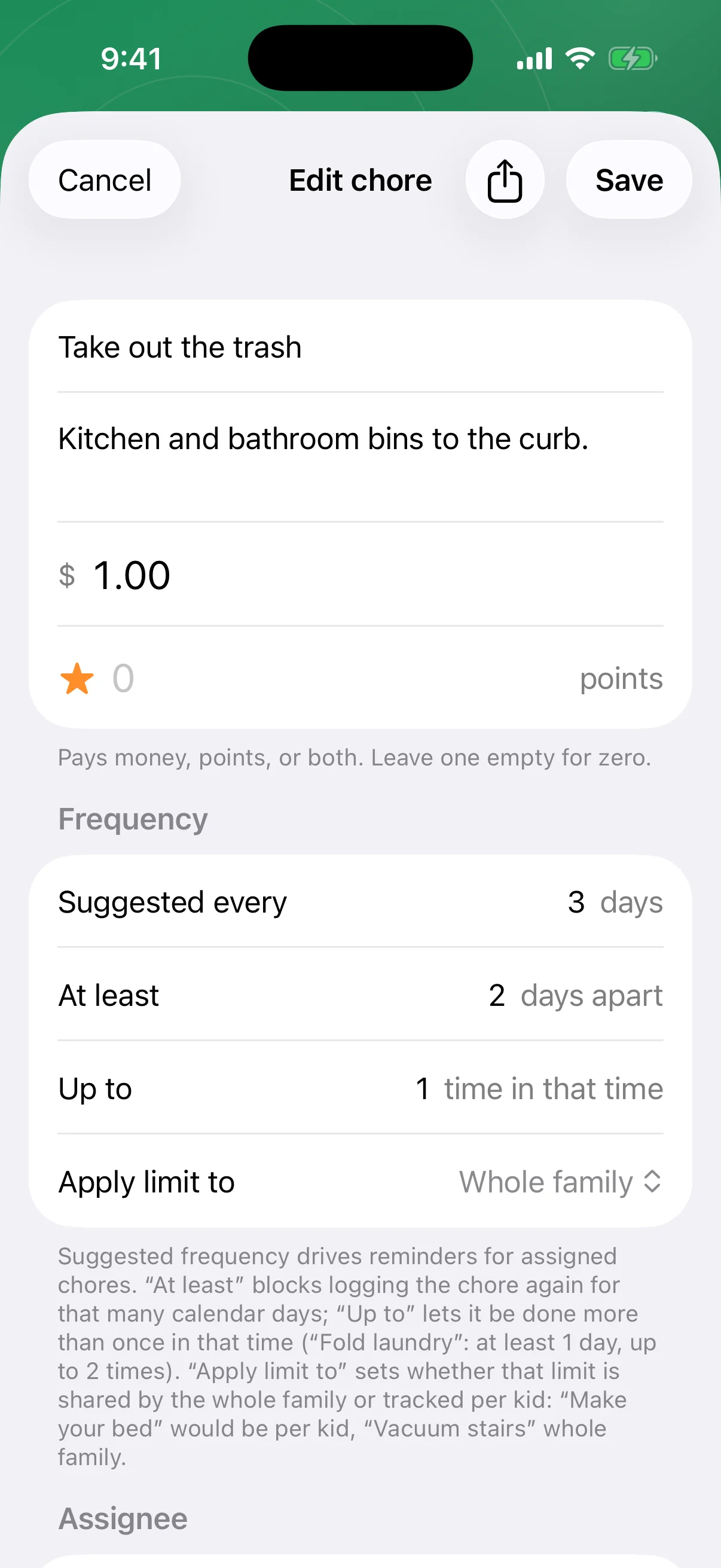
- Pay: money, points, or both. A chore can pay nothing, too.
- Suggested every: how often it should be done. Chores assigned to a kid remind them when they’re due.
- At least … days apart: how long before it can be logged again. Up to sets how many times in that time.
- Apply limit to: the whole family, like Vacuum stairs, or each kid, like Make your bed.
- Assigned to: anyone, or one kid.
Turn a chore off with Active to hide it from the kids for a while. A chore with history can be archived but not deleted. Chore log, at the top of the tab, lists every chore sent or logged.
Collections
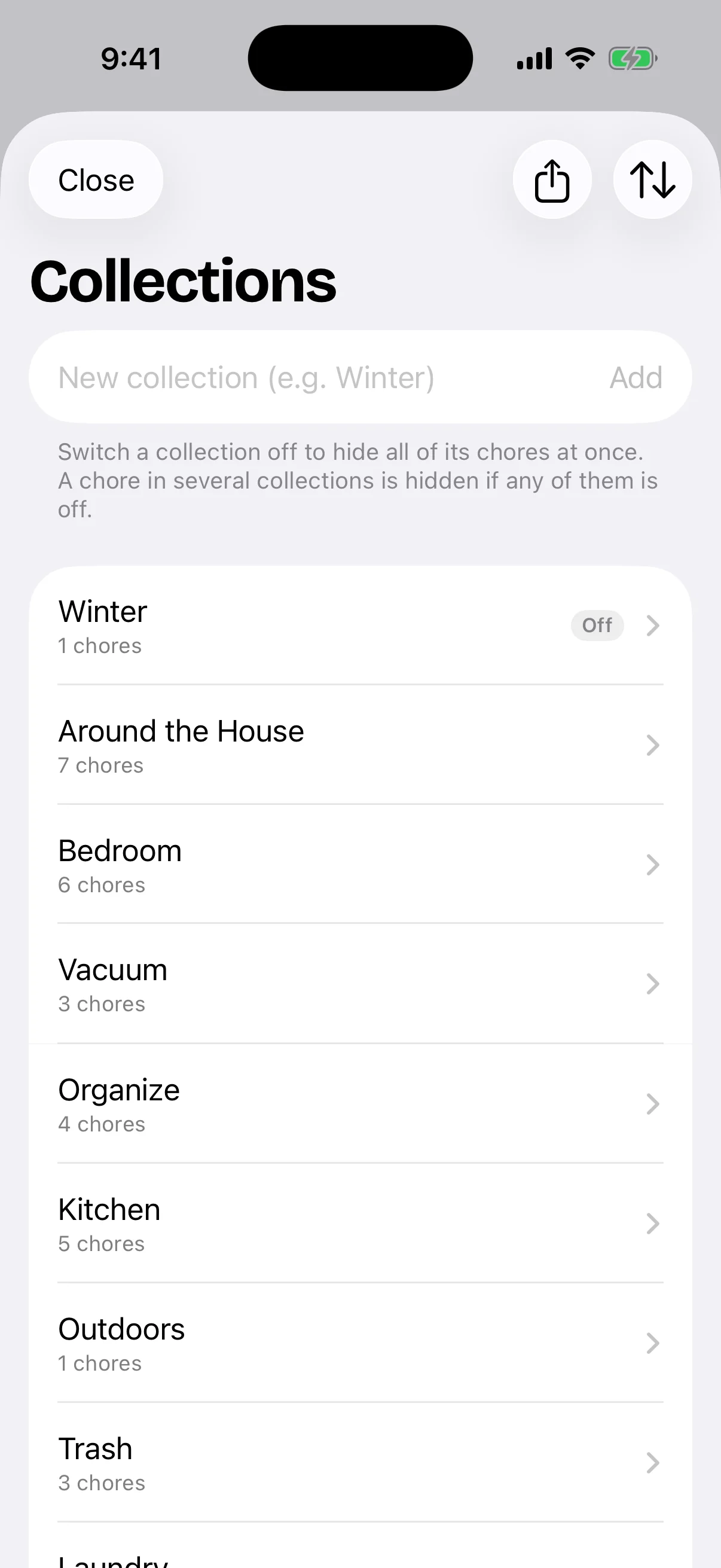
A collection groups chores that turn on and off together, like Winter or Summer. Open Chores → Collections to make one, then add chores to it from each chore’s edit screen.
Switch a collection off to hide all of its chores at once. Deleting a collection keeps its chores.
Rewards
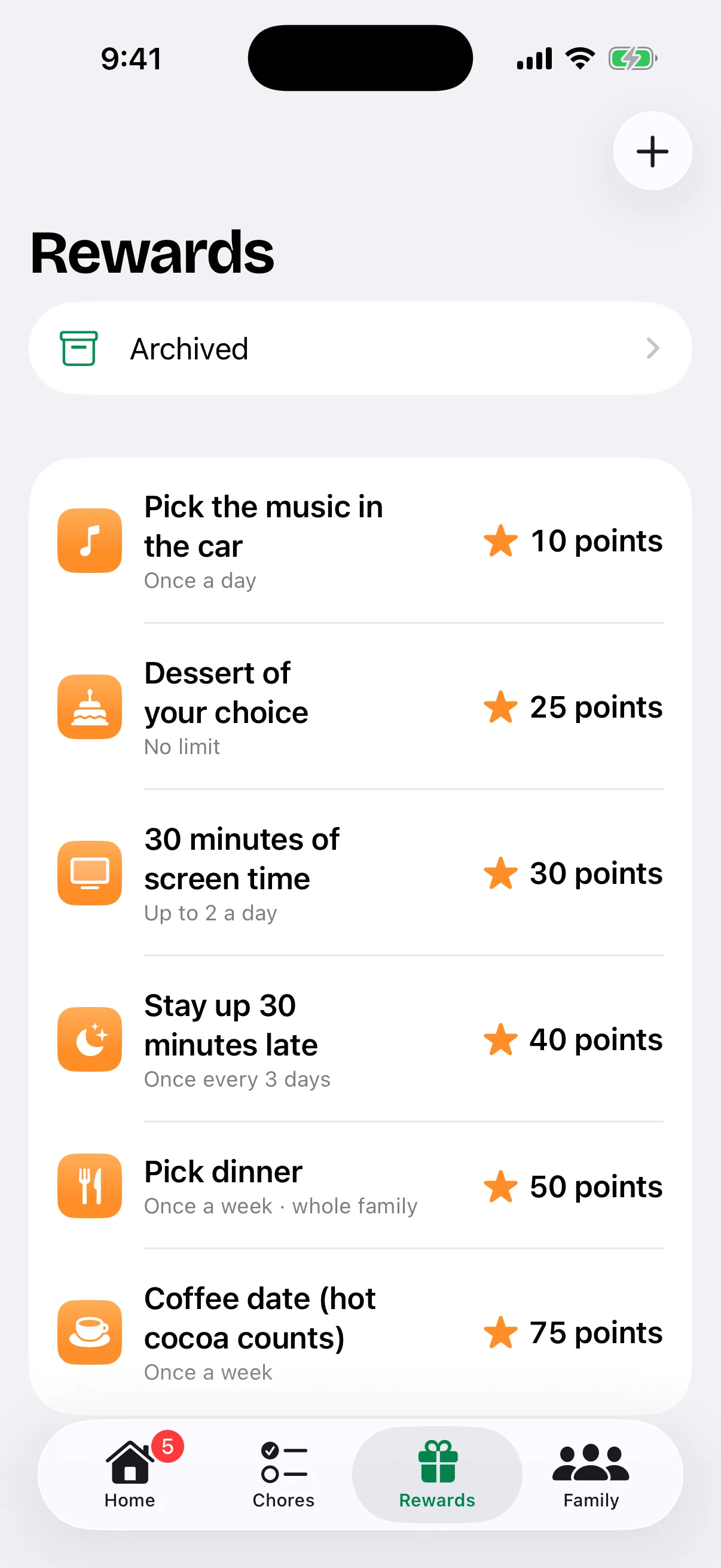
If your family uses points, the Rewards tab is where you set up what they buy. Tap + and choose New reward, or Add from library.
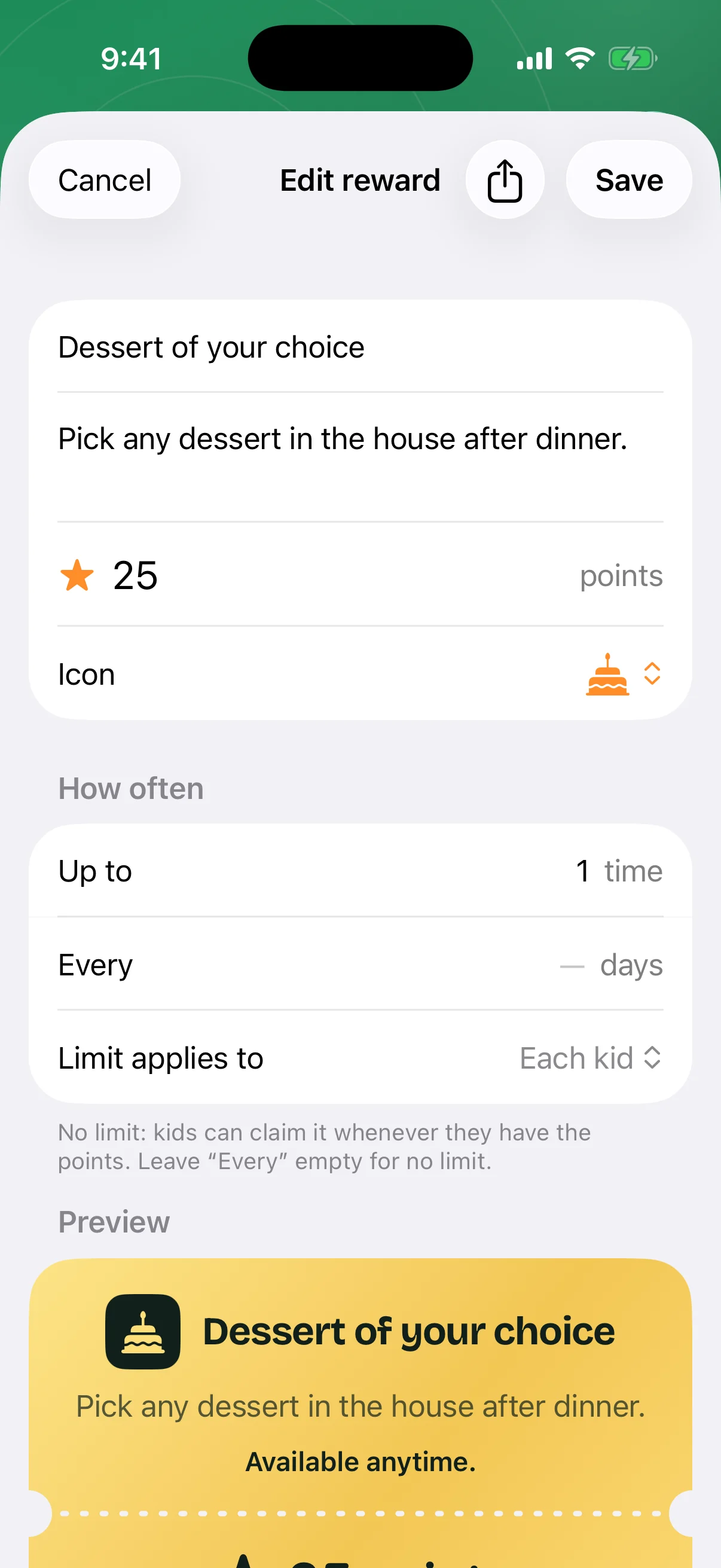
- Cost: how many points it takes.
- How often: up to a number of times every so many days, for each kid or for the whole family. Leave Every empty for no limit.
The preview shows the ticket the kids will see. A reward kids have asked for can be archived but not deleted.
Recurring expenses
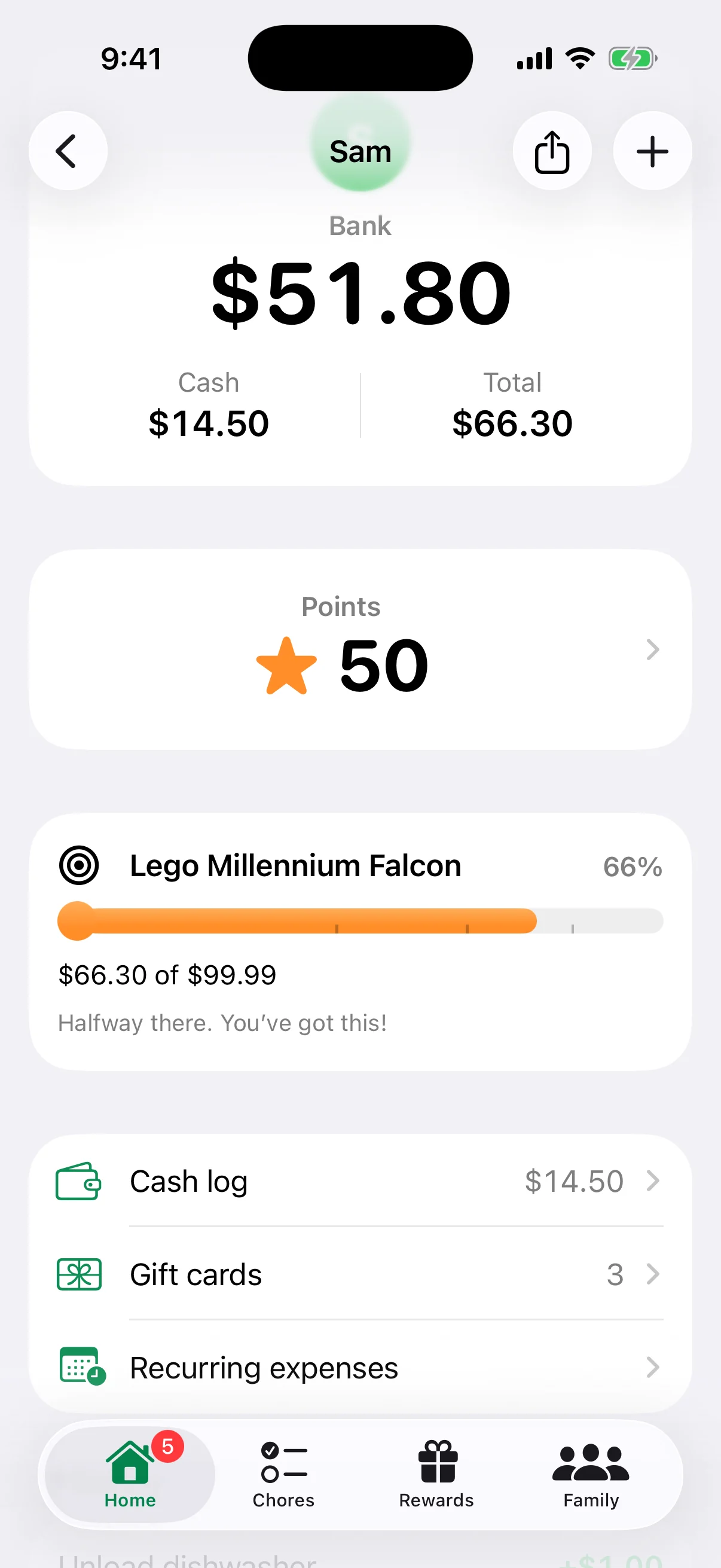
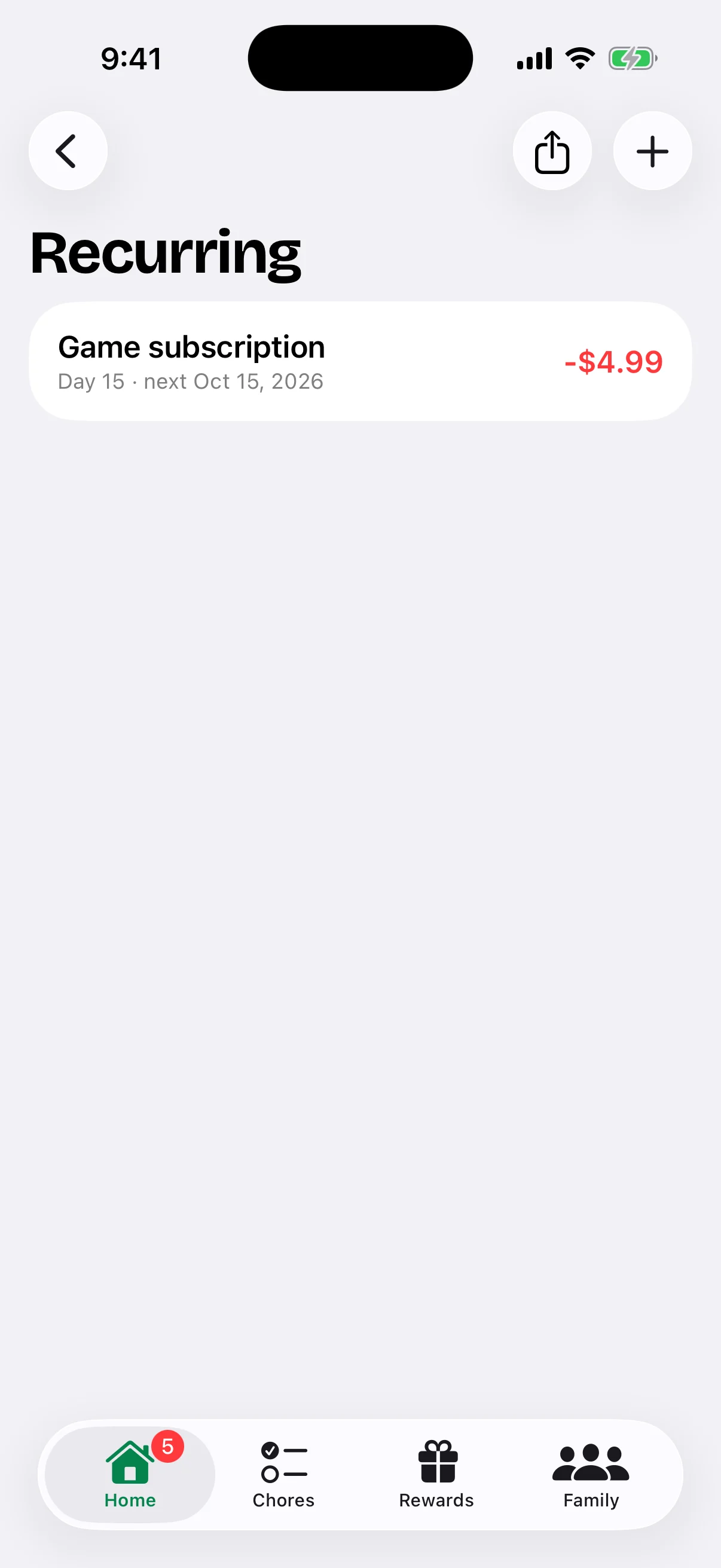
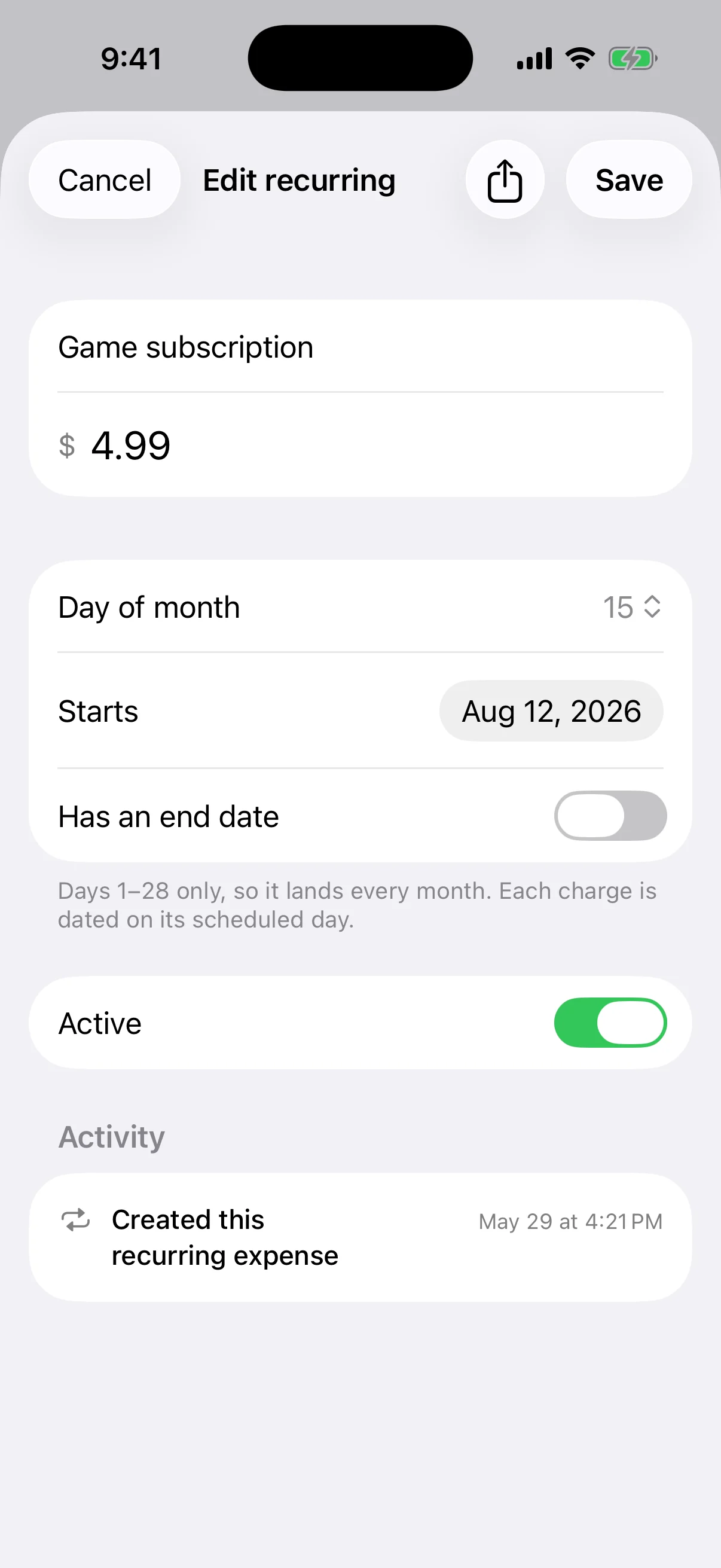
For a monthly charge, like a game subscription, open the kid’s page → Recurring expenses and tap +. Enter what it’s for, the amount, the day of the month (1–28, so it lands every month), and when it starts and ends. It posts on that day each month.
If your family doesn’t allow negative balances and the kid can’t afford it, that month’s charge is skipped and you get a notification.
Family settings
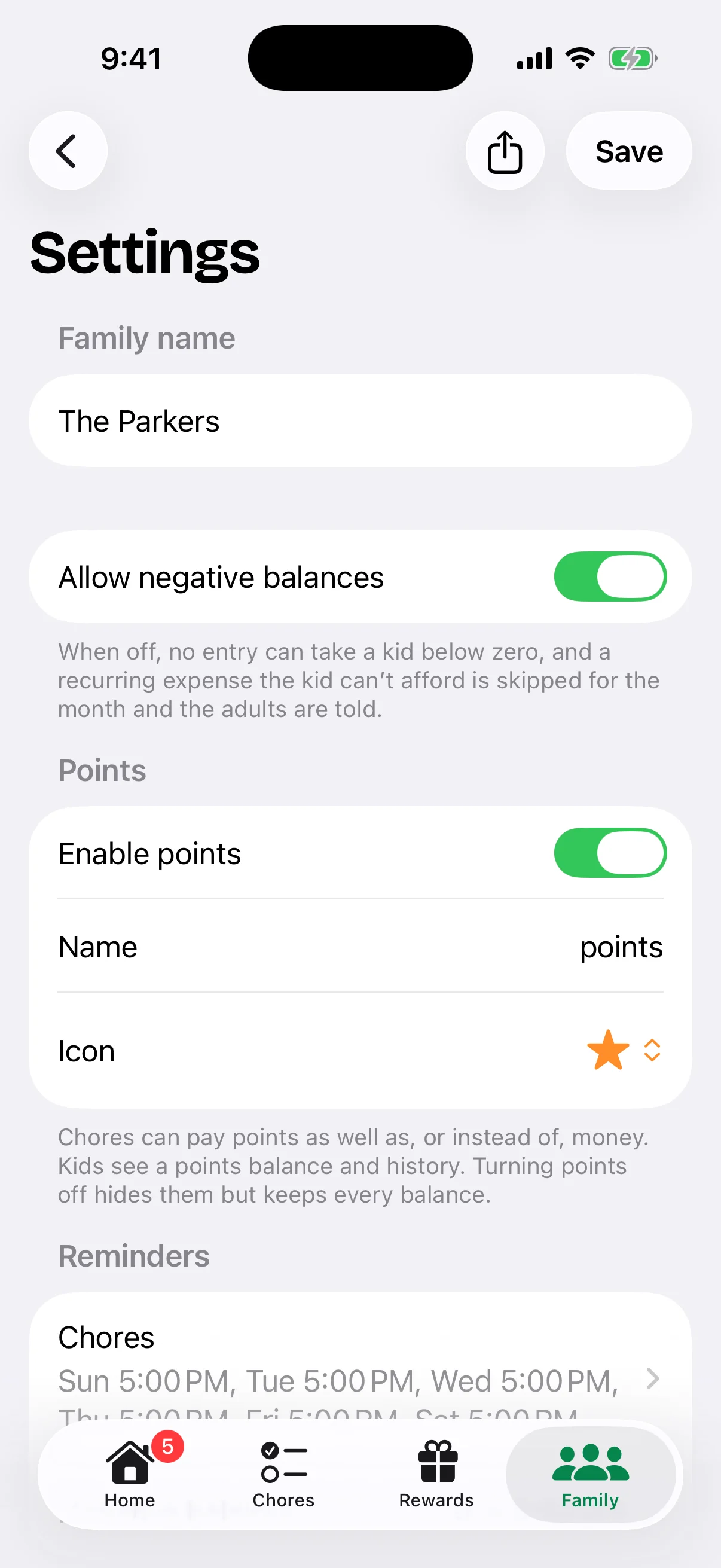
Open Family → Family settings.
- Allow negative balances: when it’s off, no entry can take a kid below zero.
- Points: turn them on, then name them (stars, tokens…) and pick an icon. Turning points off hides them but keeps every balance.
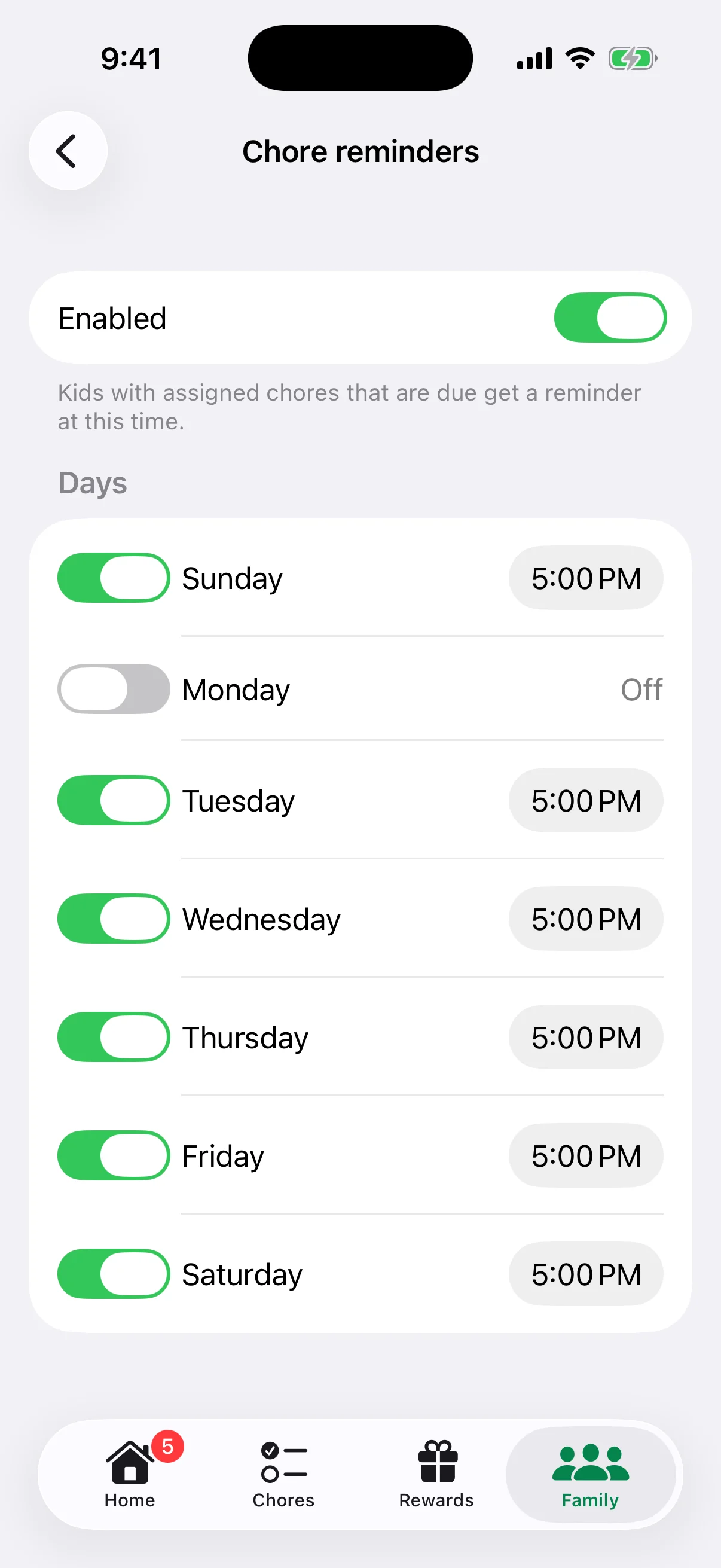
- Reminders: the days and times kids get a reminder about chores that are due, and, if negative balances are allowed, about a balance below zero.
To add or remove points by hand, open a kid’s points from their page and tap +.
People in your family
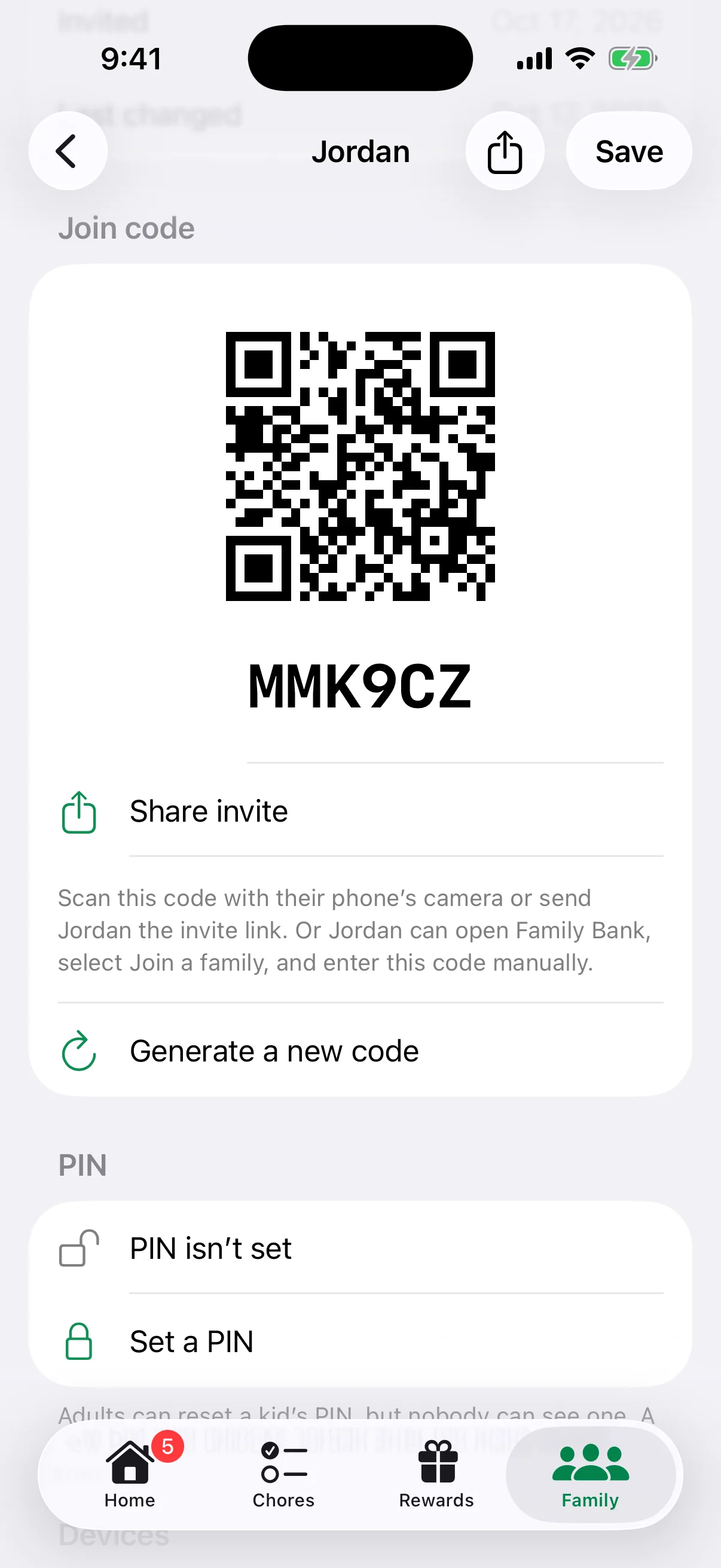
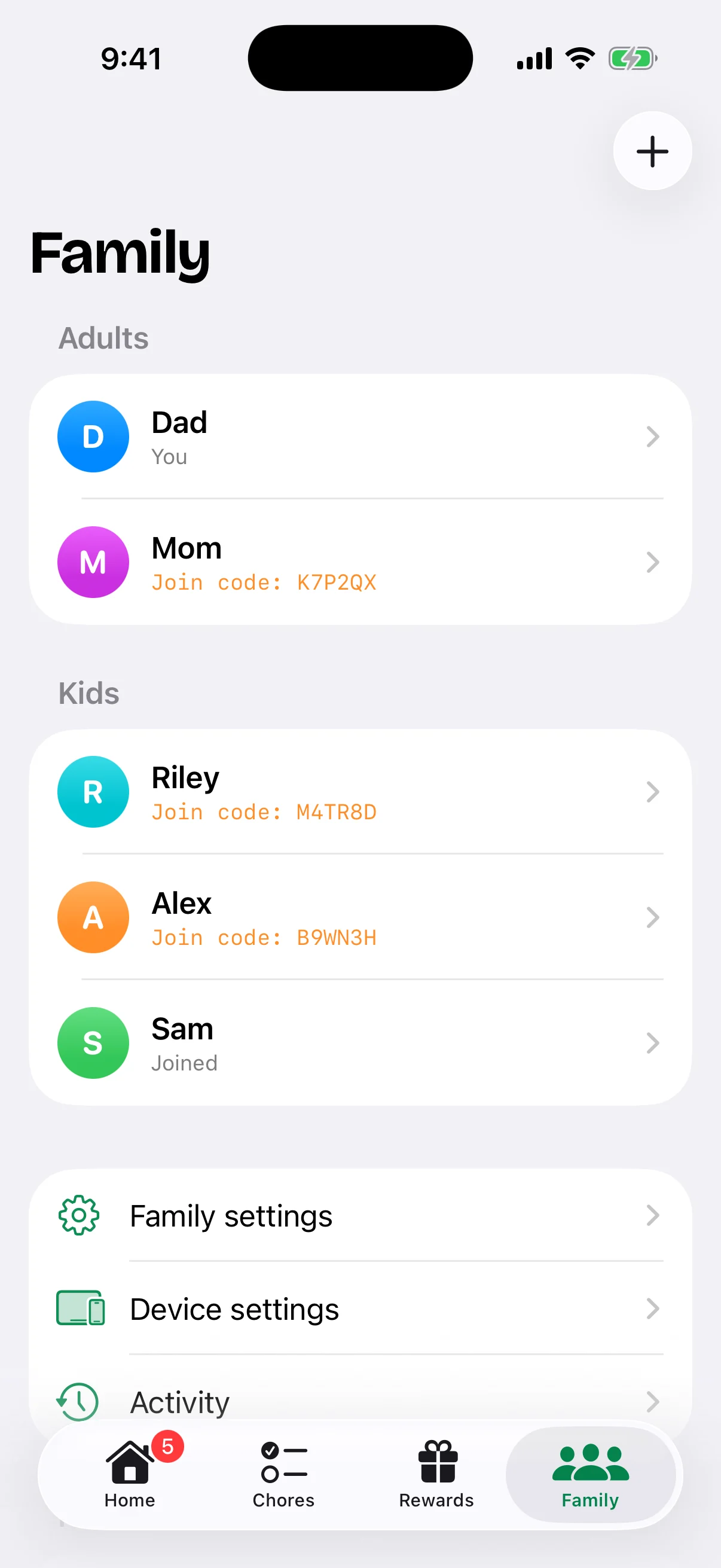
Open a person in the Family tab to change their name or color, see their join code, or share an invite.
Archive someone to sign them out and hide them while keeping their history; you can restore them from Archived members. Only someone with no history can be deleted.