Most of this site is made for adults. Kids, this page is all about you and your money. Read it with an adult the first time, then it’s yours.
Your money
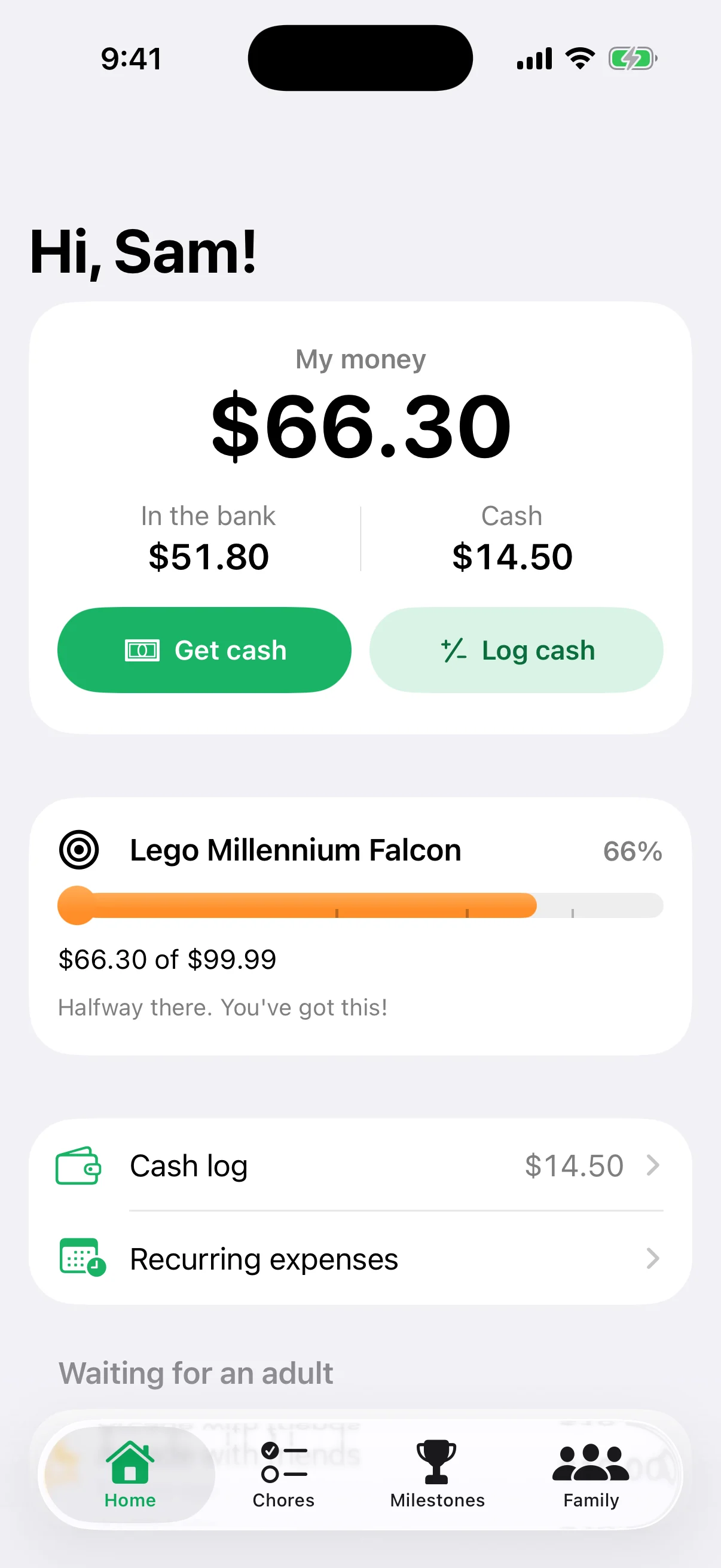
Home shows My money: everything you have, in two parts.
- Bank: the money your family keeps for you. Chores pay into it.
- Cash: the money you have in hand, like bills in your wallet.
Under it are your savings goal, your cash log, your gift cards, and the monthly charges an adult set up for you. Bank history lists every dollar that came in or went out.
If your bank balance goes below zero, Home says how much you owe the bank. Chores can bring it back up.
Do a chore
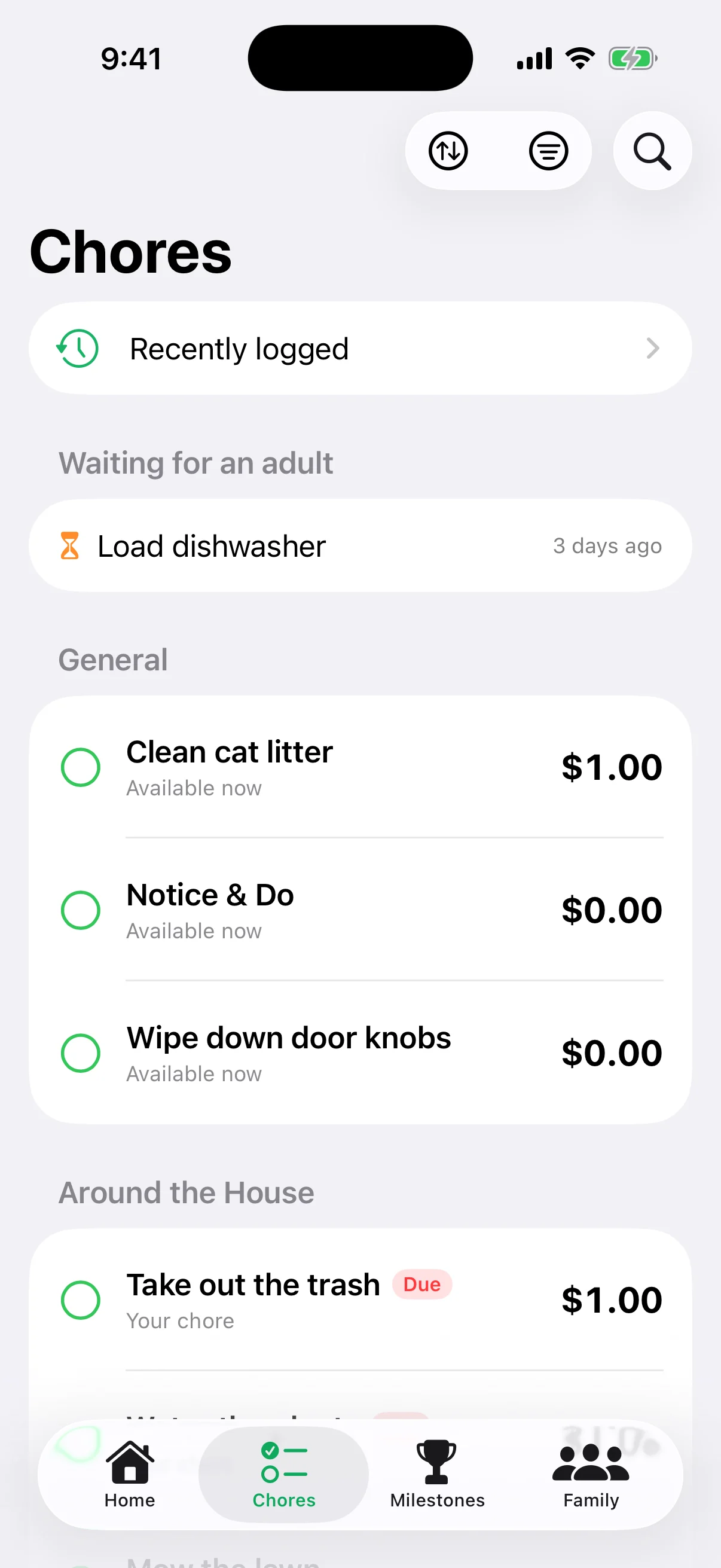
The Chores tab lists the chores you can do and what each one pays. A red Due tag means it’s your chore and it’s time to do it again.
- Do the chore.
- Tap it in the Chores tab.
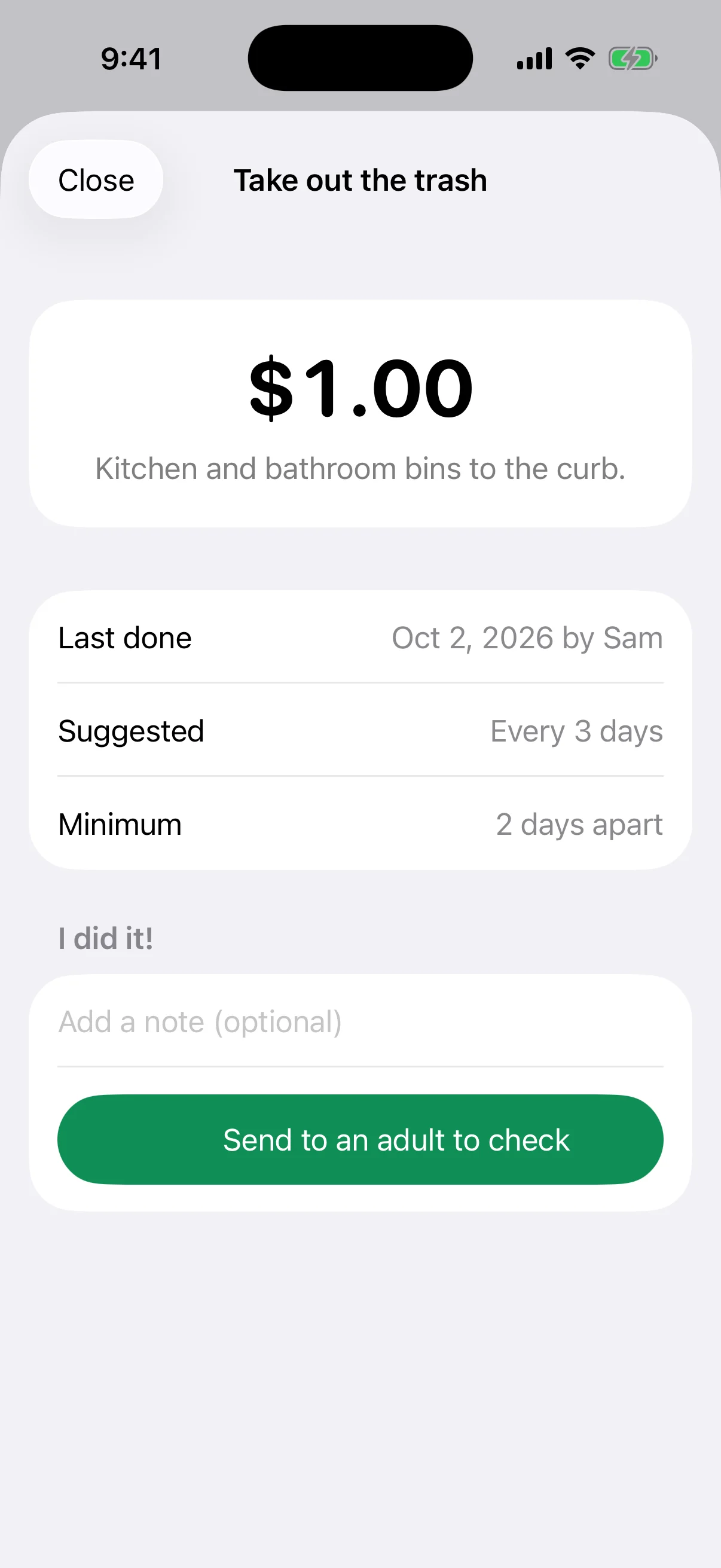
- Add a note if you want, then tap Send to an adult to check.
It waits under Waiting for an adult until someone checks it. When an adult approves it, the money lands in your bank and you get a notification.
Did a whole group of chores? Filter the list to that group and tap I did all of these. Recently logged, at the top of the tab, shows the chores you’ve sent and what happened to each.
Some chores pay $0.00. They still count toward awards like Helping Hand.
Get cash
Money in the bank stays there until you ask for it as cash.
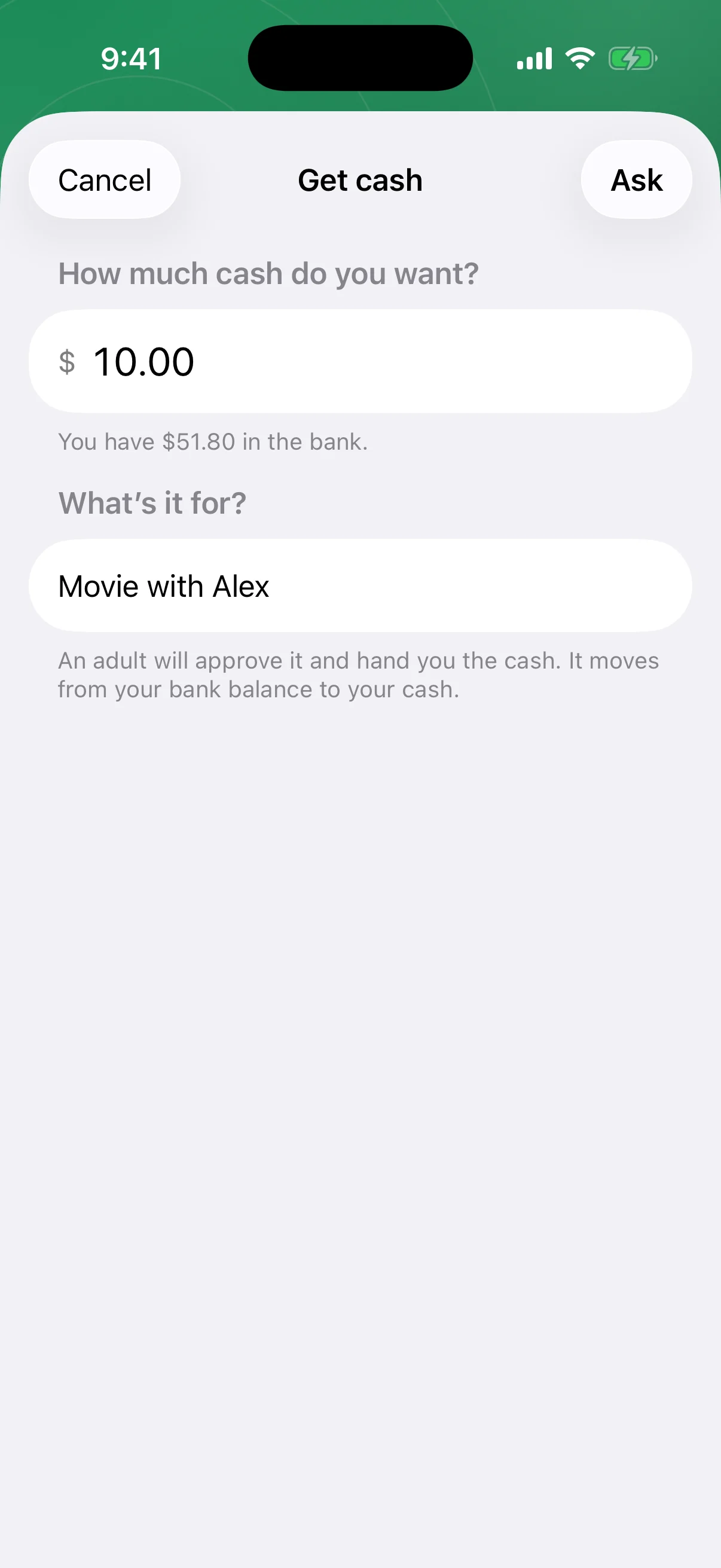
- On Home, tap Get cash.
- Enter how much, and what it’s for.
- Tap Ask.
An adult approves it and hands you the cash. It moves from your bank balance to your cash, and your cash log gets an entry on its own.
Changed your mind? Swipe the request on Home and tap Cancel.
Keep track of your cash
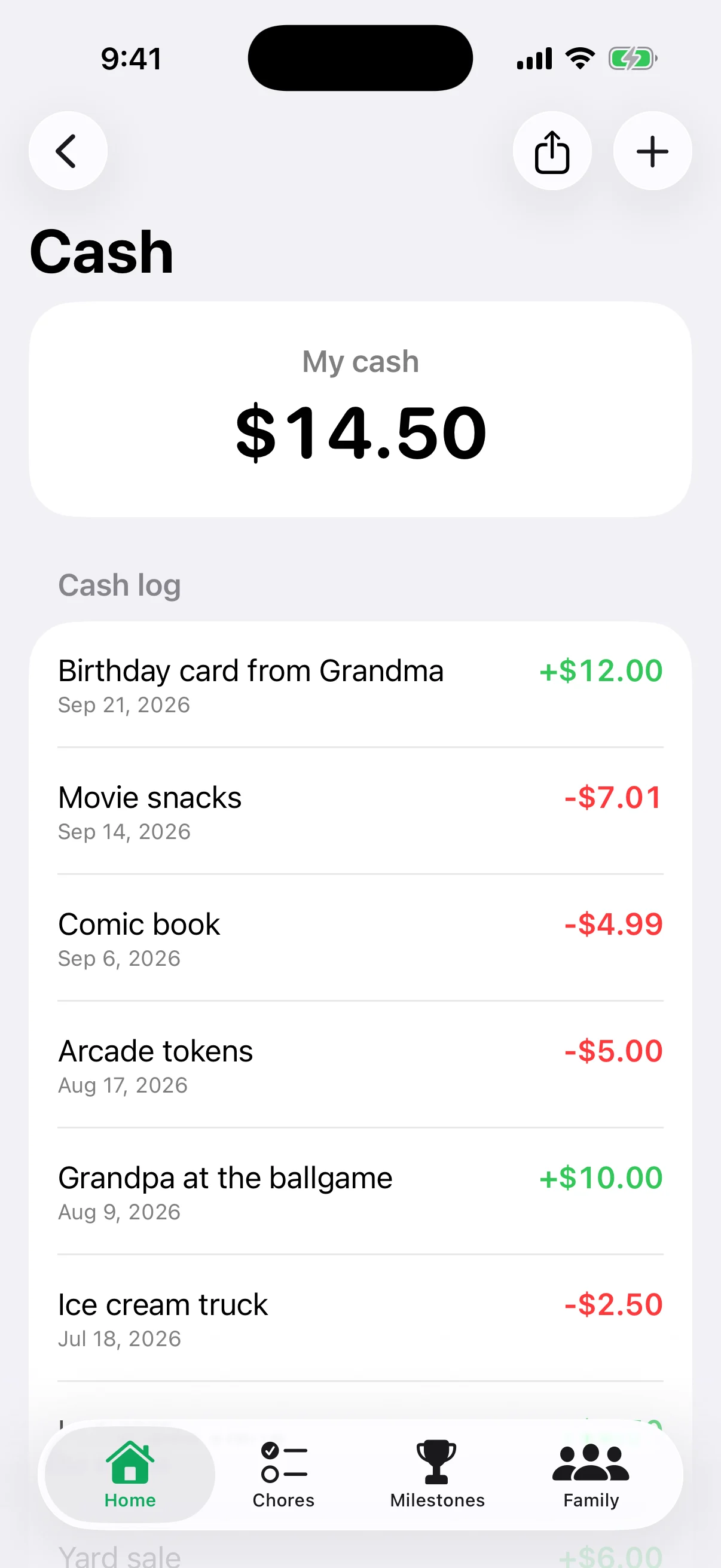
Cash you spend or get outside the bank goes in your cash log, so your cash stays right.
- On Home, tap Log cash.
- Choose Cash in or Cash out, then enter how much and where it came from or what it was for.
- Tap Save.
The cash log is just for keeping track. Nothing in it needs an adult’s OK, and it doesn’t change your bank balance.
Save for a goal
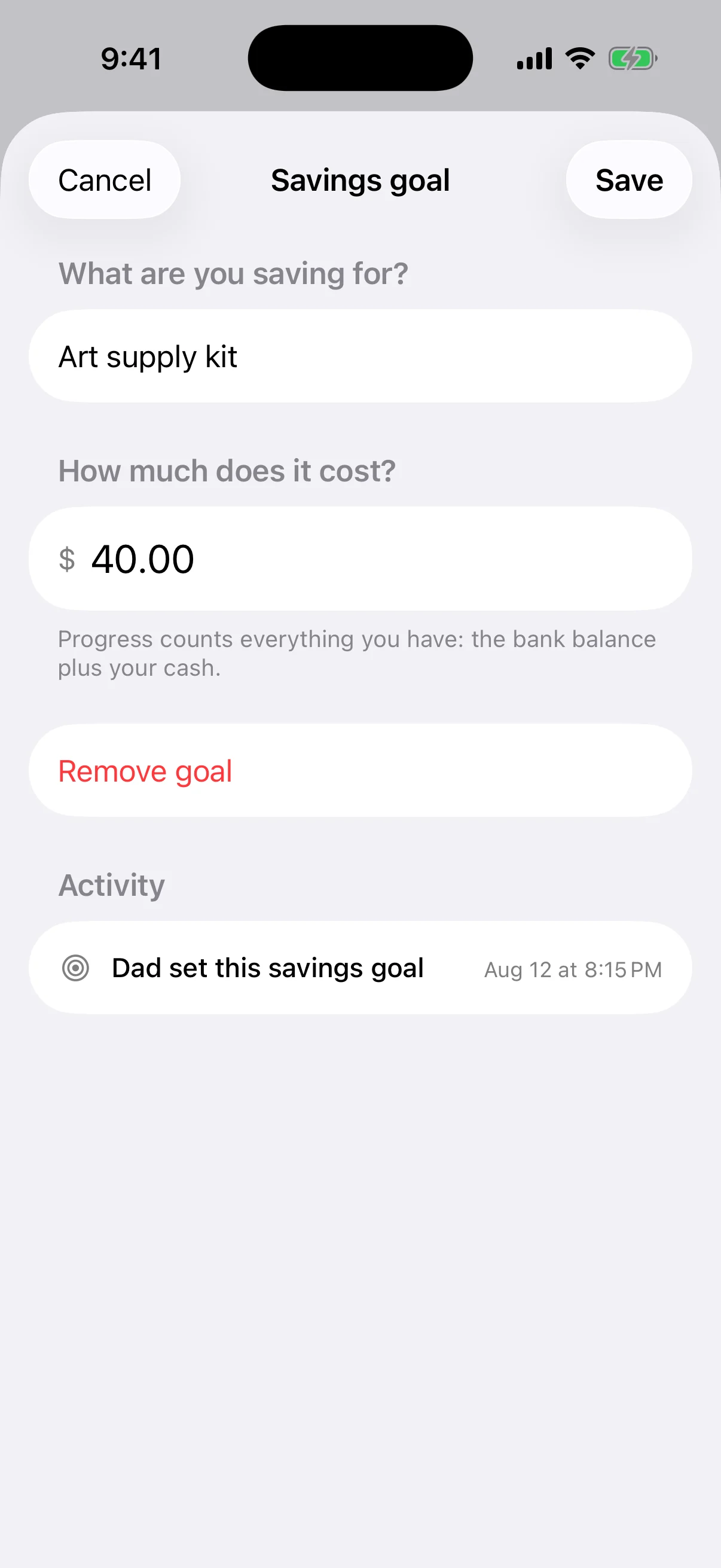
A savings goal shows how close you are to something you want.
- On Home, tap Set a savings goal.
- Enter what you’re saving for and how much it costs, then tap Save.
Your goal counts everything you have: the bank plus your cash. Gift cards don’t count. When you reach it, open the goal and tap Goal reached! Mark as complete, and you can set a new one. Removing a goal doesn’t move any money; only the goal goes away.
Points and rewards
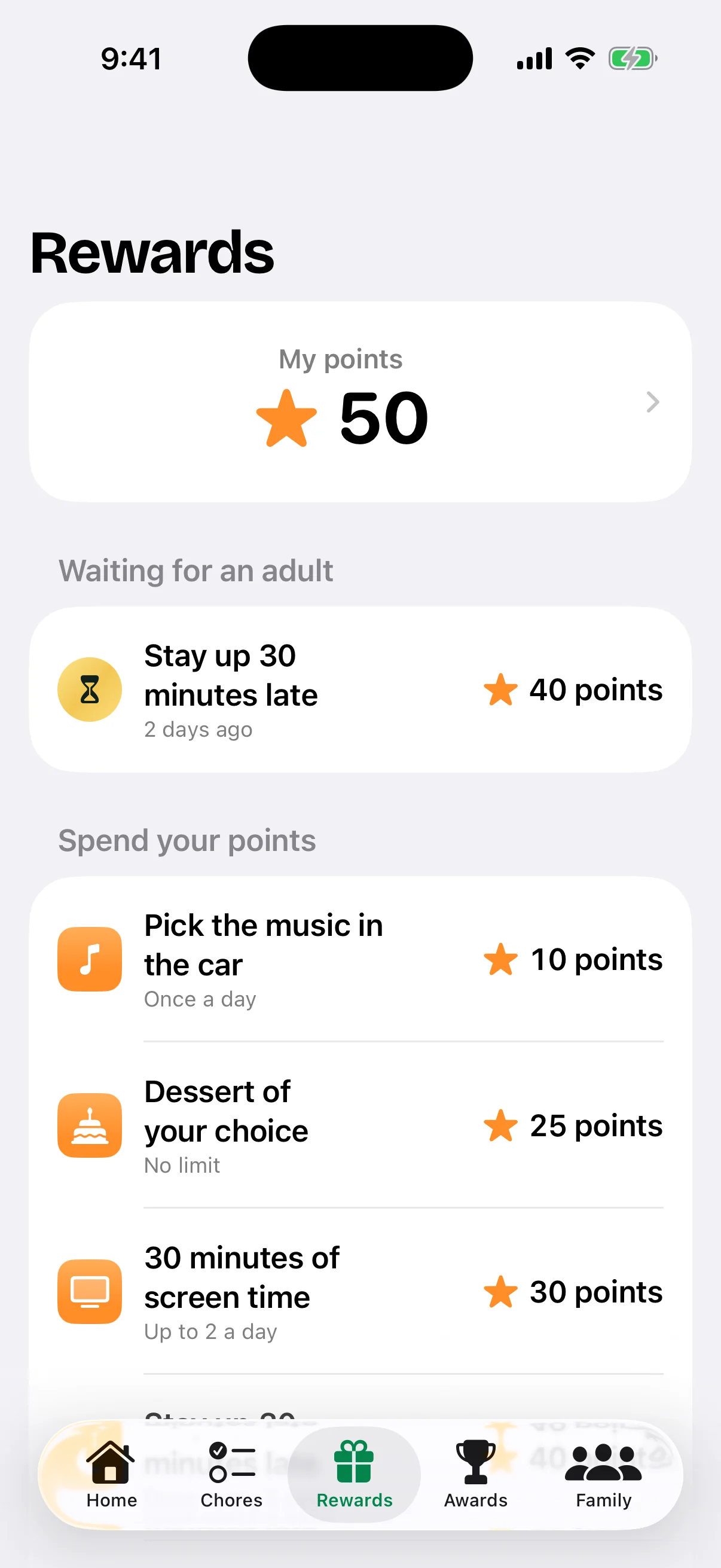
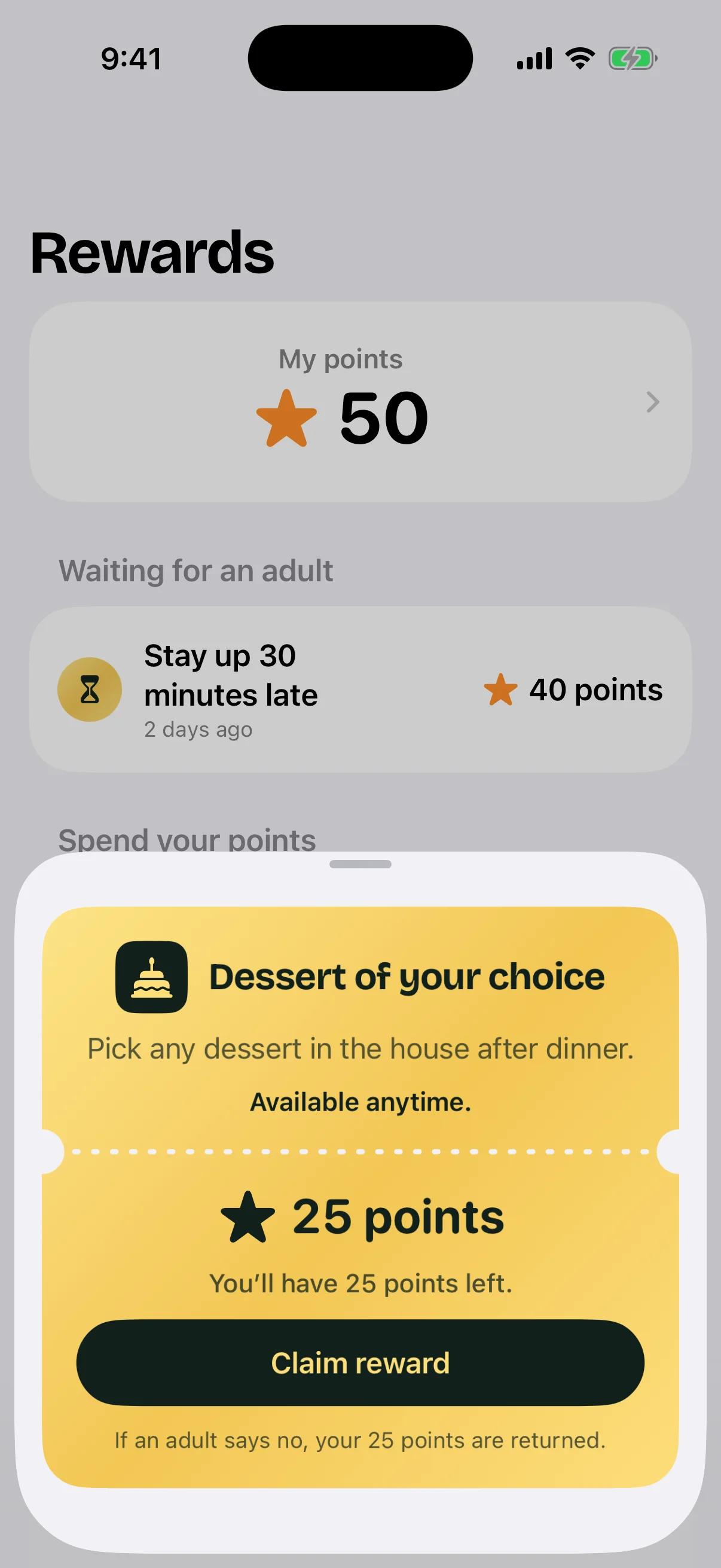
If your family uses points, some chores pay points, and you spend them on rewards an adult sets up, like picking dinner. Your family might call them something else, like stars.
- Open the Rewards tab and tap a reward.
- Tap Claim reward.
The points come off right away, and the reward waits for an adult. If an adult says no, you get your points back. You can also cancel while it’s waiting.
Some rewards have a limit, like once a day. Short on points? The ticket says how many more you need, and Do another chore shows the chores that pay them.
Awards
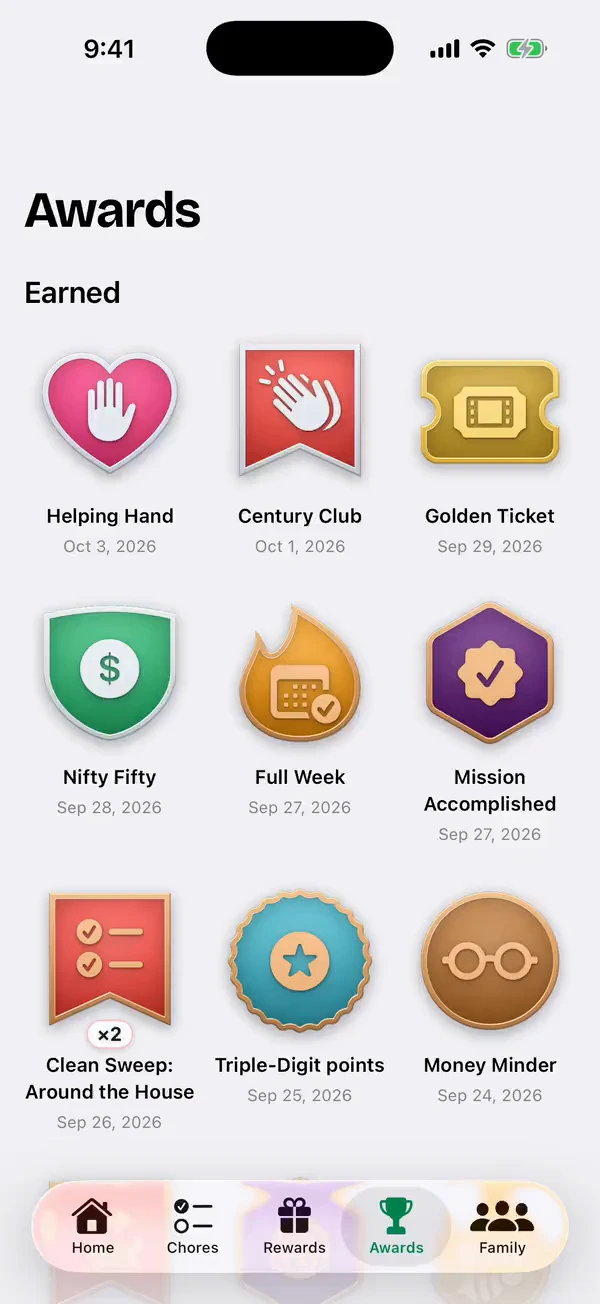
Awards celebrate what you do: your first chore, chores done days in a row, money you kept saved, a goal you reached, and more. Each one plays a celebration the first time you open Family Bank after you earn it.
The Awards tab shows the ones you’ve earned and the ones still locked, with how close you are to each. Tap an earned award to play its celebration again.
Gift cards
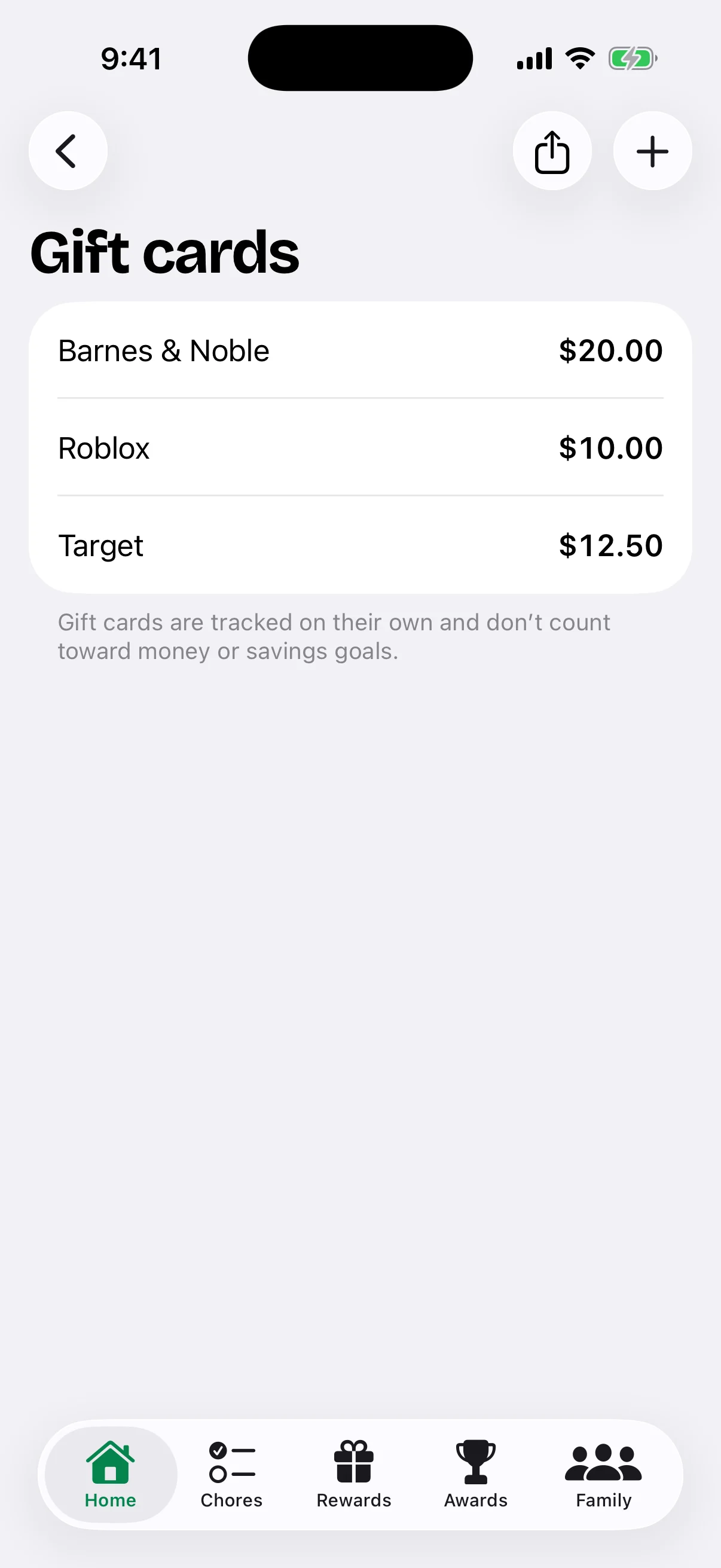
Keep track of gift cards so you know what’s left on each. In Gift cards on Home, tap + and enter the store name and how much is on it. When you spend some, change how much is left.
Gift cards are tracked on their own and don’t count toward your money or your goal.